Changing a Level Completion
Your record that you finished a Level holds a Club and a date, and both can be corrected later. Come here when you left one blank, or when Base Camp has approved a Level you marked as submitted.
5 steps
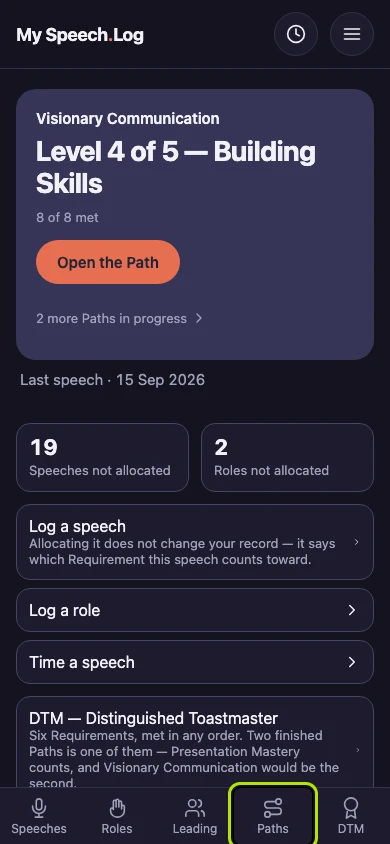
Press Paths to open My Paths.
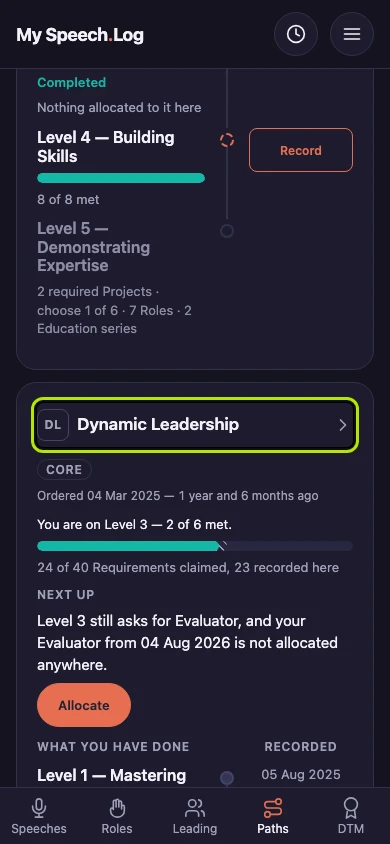
Press the Path's name. Then scroll down past the Levels and press the line for the Level you want, such as Level 2 Completed.
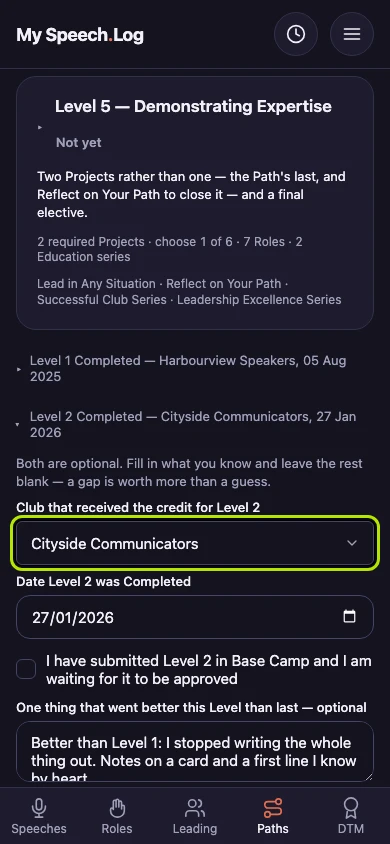
Choose a different Club under Club that received the credit for Level 2. The Club and the date are both optional, so you can also fill in one you left blank.
Correct the date under Date Level 2 was Completed, or clear it if you do not know it. When Base Camp approves a Level you marked as submitted, untick I have submitted Level 2 in Base Camp.
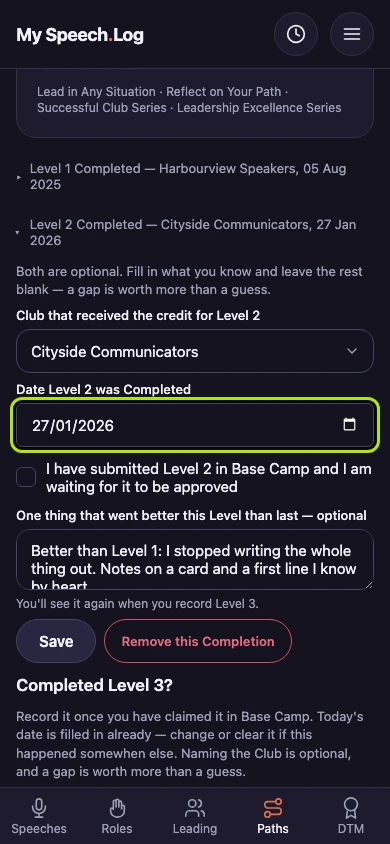
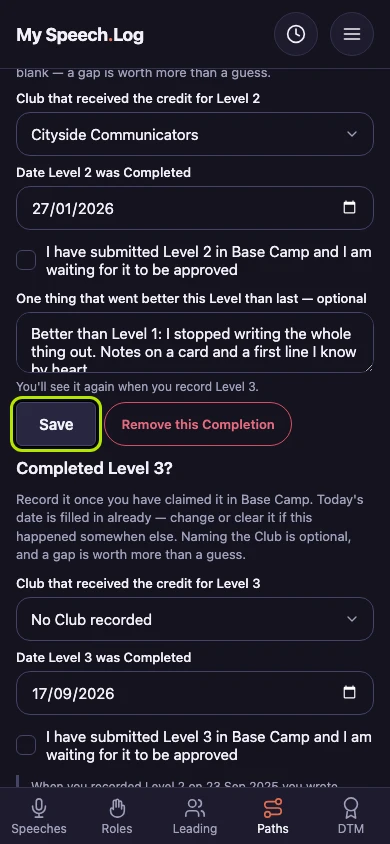
Press Save to keep your changes. To take the Completion off altogether, press Remove this Completion instead.