Removing a Level Completion
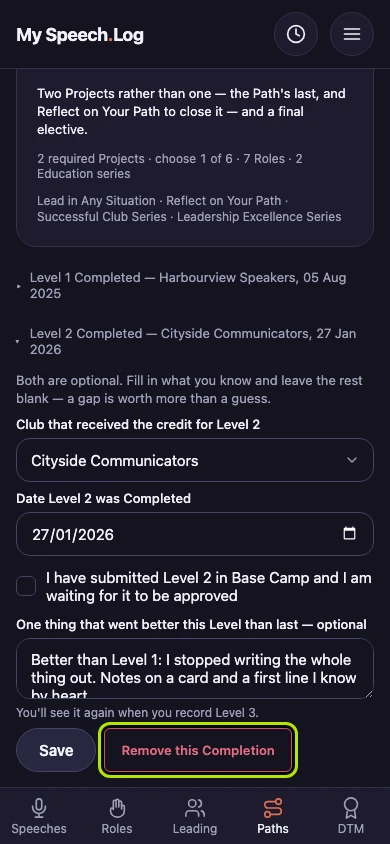
Removing takes off your record that you finished a Level, for one you recorded by mistake. Everything you allocated to the Level stays where it is, and Base Camp is not changed.
3 steps
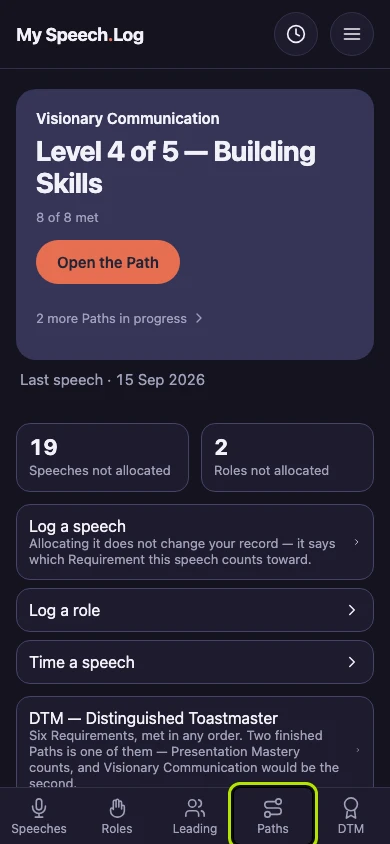
Press Paths to open My Paths.
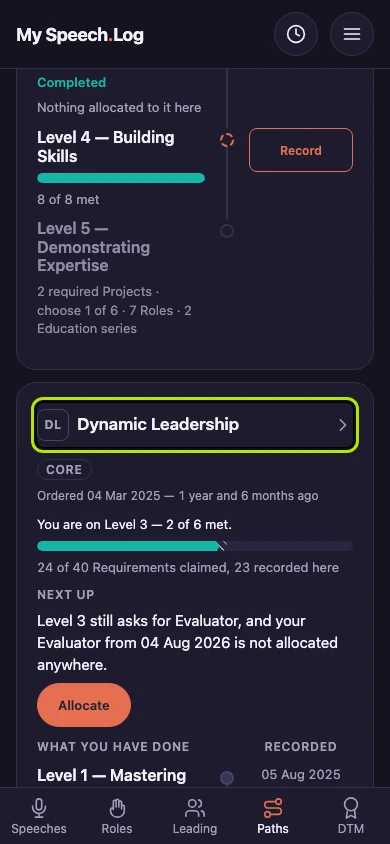
Press the Path's name. Then scroll down past the Levels and press the line for the Level you recorded by mistake, such as Level 2 Completed.
Press Remove this Completion. Only your record that you finished the Level is removed. Everything you allocated to the Level stays allocated, and Base Camp is not changed.