Changing a Before Pathways award
The date, the Club and the notes on a Before Pathways award can all be corrected later, and so can the award itself. Use it when a printed code turned out to mean a different award.
6 steps
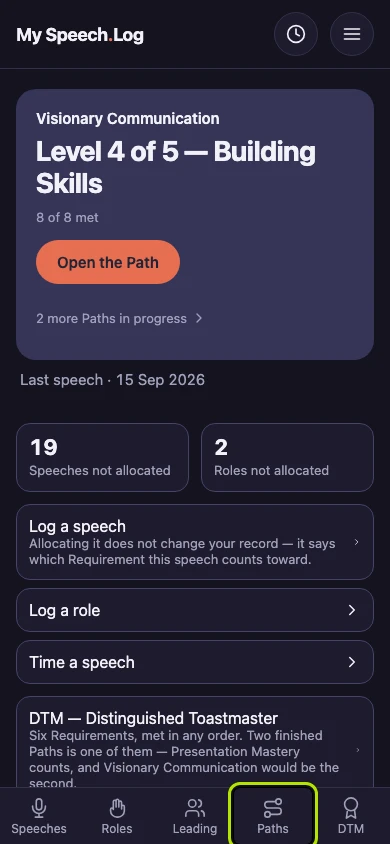
Press Paths to open My Paths, then scroll down to Before Pathways.
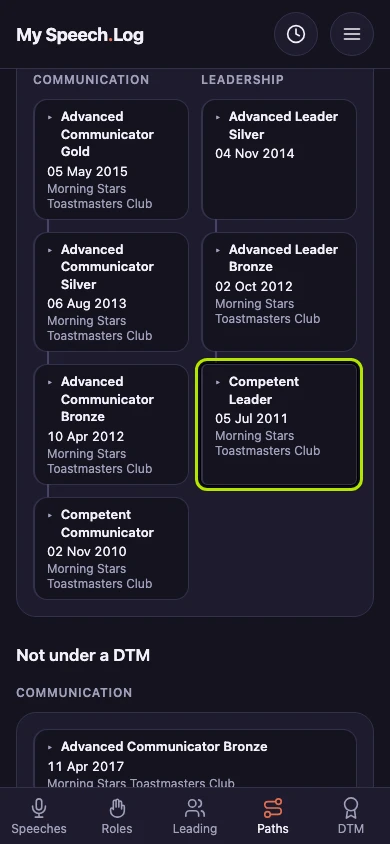
Press the award you want to change to open it.
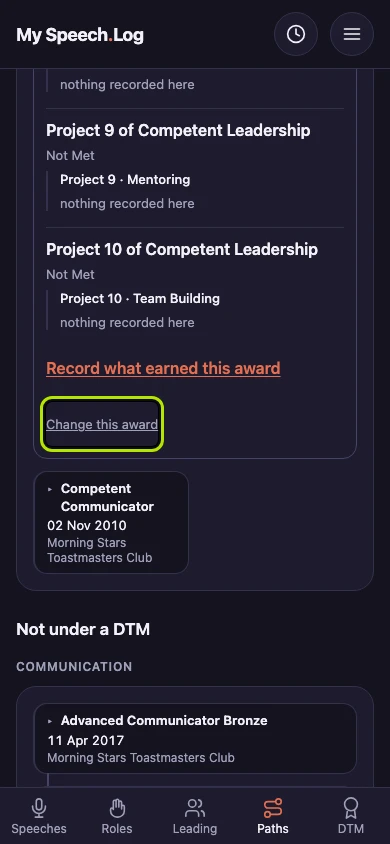
Scroll to the end of the open award and press Change this award. The award opens on its own screen.
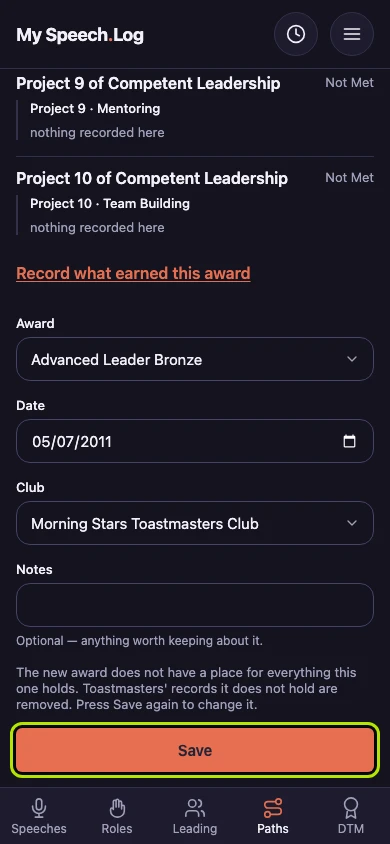
Correct the Date, the Club or the Notes. Everything you allocated to the award is kept when you save.
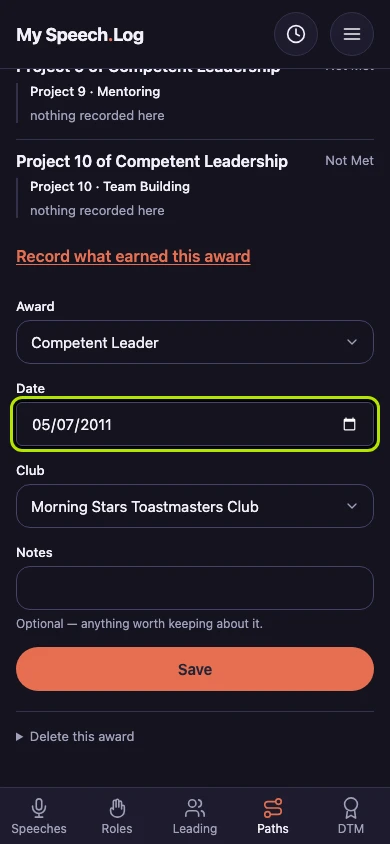
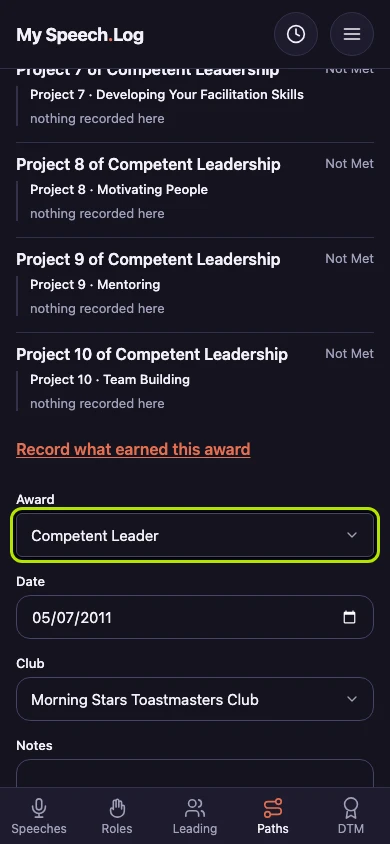
Choose a different award under Award if you recorded the wrong one. Sometimes one printed code meant two awards in different years. The app then asks which one yours was, and you can answer Not sure.
Press Save. If the new award has no place for something the old one holds, the app tells you what would be removed and waits. Press Save again to go ahead.