Deleting a Before Pathways award
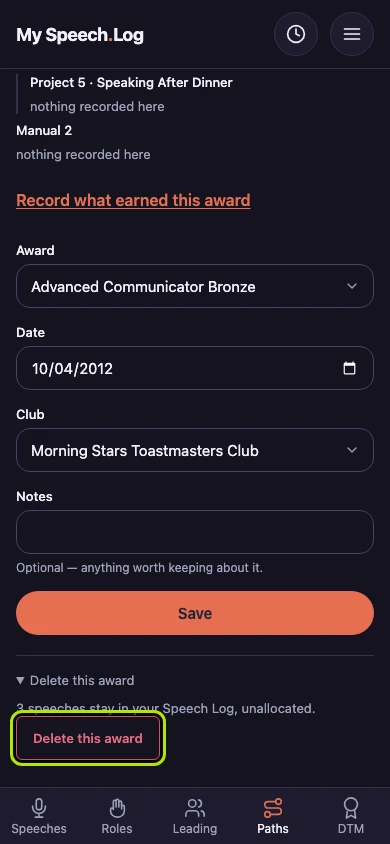
Deleting removes a Before Pathways award you recorded by mistake. The speeches you allocated to it stay in your Speech Log, counting toward nothing until you allocate them somewhere else.
4 steps
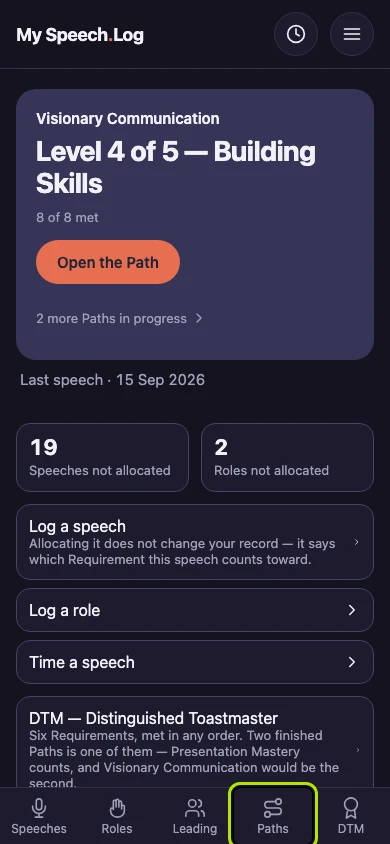
Press Paths to open My Paths, then scroll down to Before Pathways.
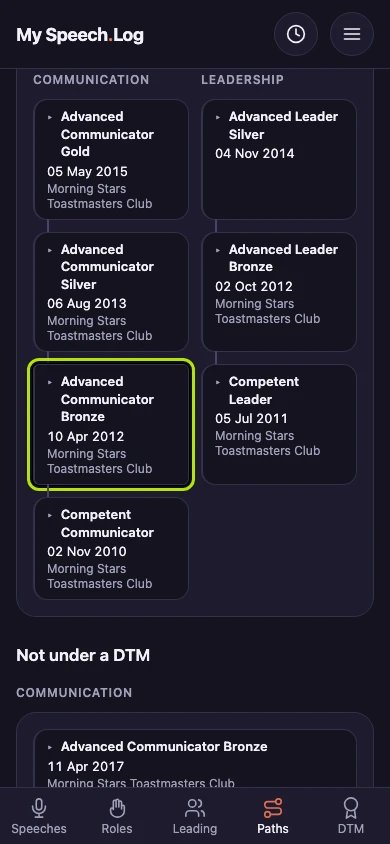
Press the award you want to delete to open it.
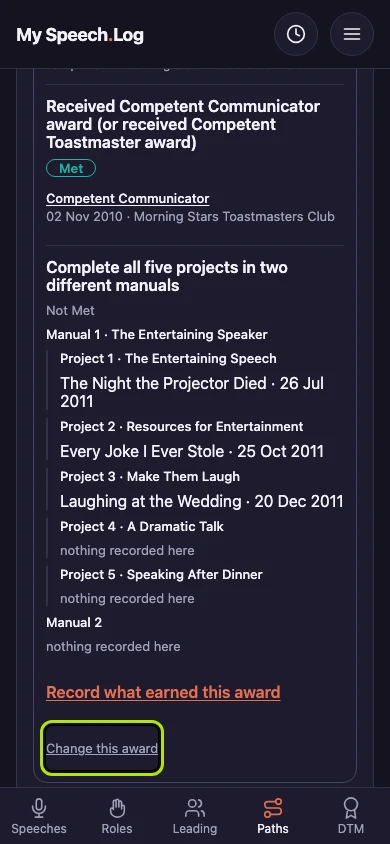
Scroll to the end of the open award and press Change this award. Deleting is on that screen.
Scroll down past everything else and press Delete this award to open it. It says how many speeches stay in your Speech Log, no longer allocated. Press the Delete this award button to delete the award.


Next: Recording a Before Pathways award (for Members with pre-Pathways awards)