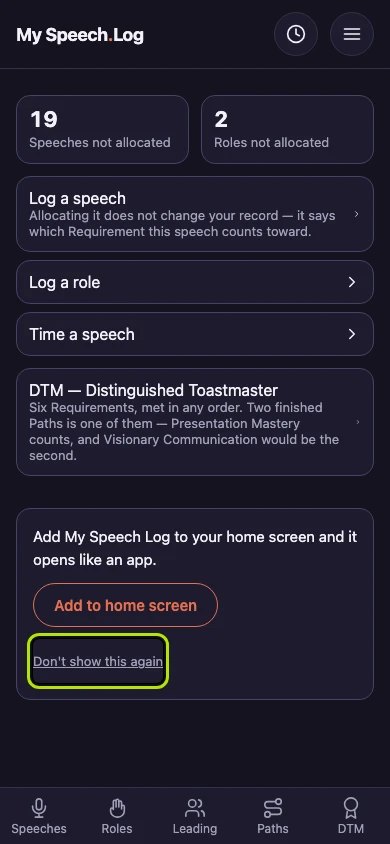
Adding the app to your home screen
My Speech Log can sit on your phone's home screen with an icon of its own, and open like any other app. The offer appears on a phone, on the first screen you see.
4 steps
Open My Speech Log on your phone, scroll down its first screen, and press Add to home screen. On Android, your browser asks you to confirm, and that is all. On an iPhone, a short list of instructions opens instead.
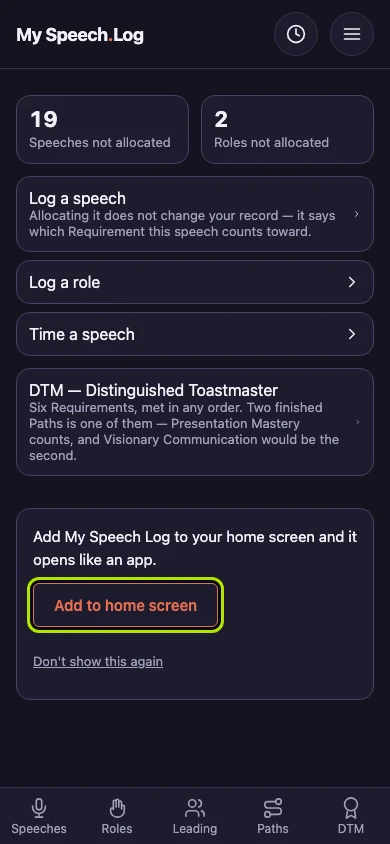
On an iPhone, follow the instructions in the order shown. They use Safari's own words, so you can match them to what you see. If your Safari looks different, the small print under them gives the other way.
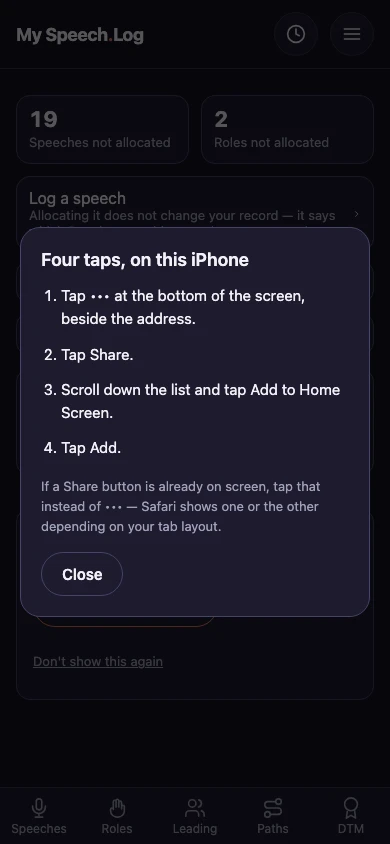
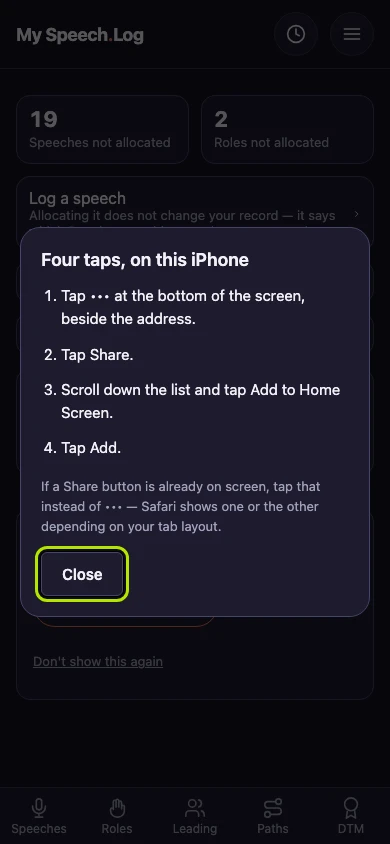
Press Close when the app's icon is on your phone's home screen. My Speech Log now opens from that icon, like any other app.
Press Don't show this again if you do not want to add the app. The offer goes away on this phone. Your other phones and tablets still show it.