Signing in
Signing in is how the app knows your record is yours, and it is done through your Google account. You can look around the demo first, without signing in at all.
4 steps
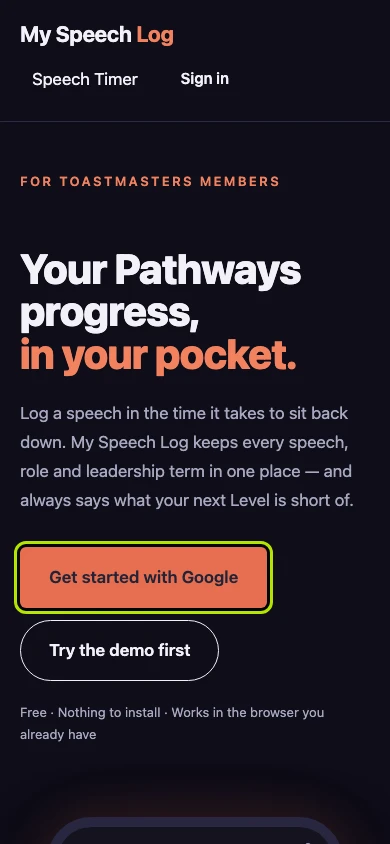
Press Get started with Google to sign in. Google's own screen opens next and asks whether to let My Speech Log in. There is no password to make or to remember.
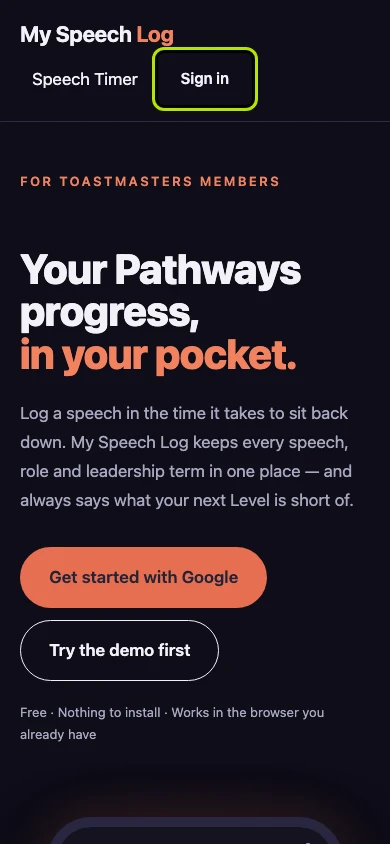
Press Sign in for the same thing. The front page offers it in two places, and both take you to Google.
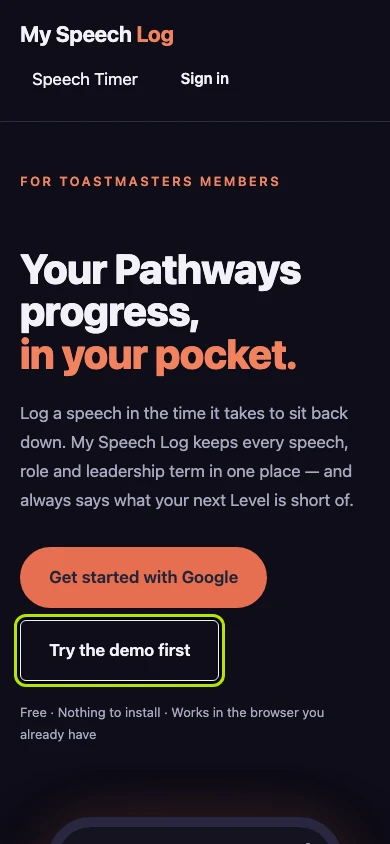
Press Try the demo first to look around without signing in. The demo is a working copy filled with a fictional Toastmaster's history, and nothing you type in it is kept.
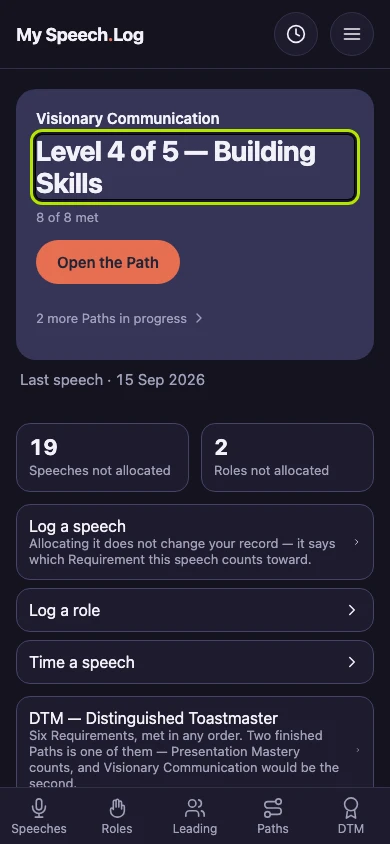
Signing in lands you on your home screen, which opens with where you are up to. The very first time, the app asks how you would like to begin instead.