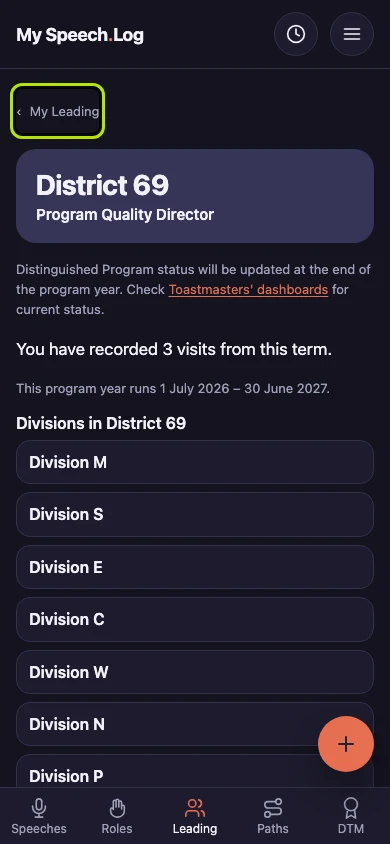
Seeing the Divisions in your District (for District officers)
A District officer's term links to the Divisions in that District, for the program year of the term. A term you are still serving shows this year, with the way out to Toastmasters' own dashboards.
5 steps
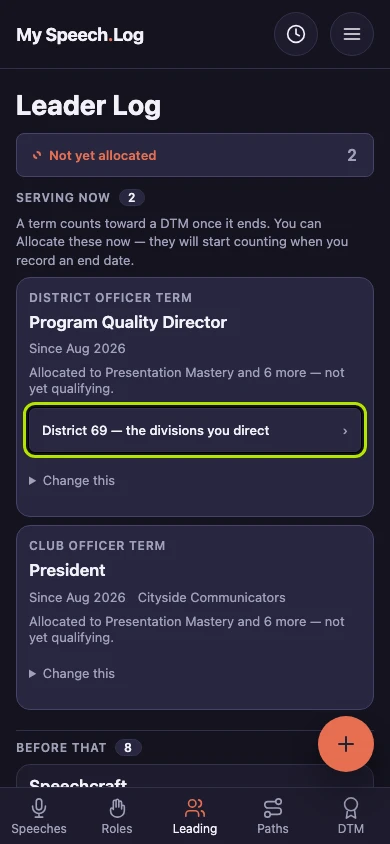
Press Leading and find your District officer term. A term is a stretch of leadership or service — an office you held, a club you coached. Press District 69 — the divisions you direct on it.
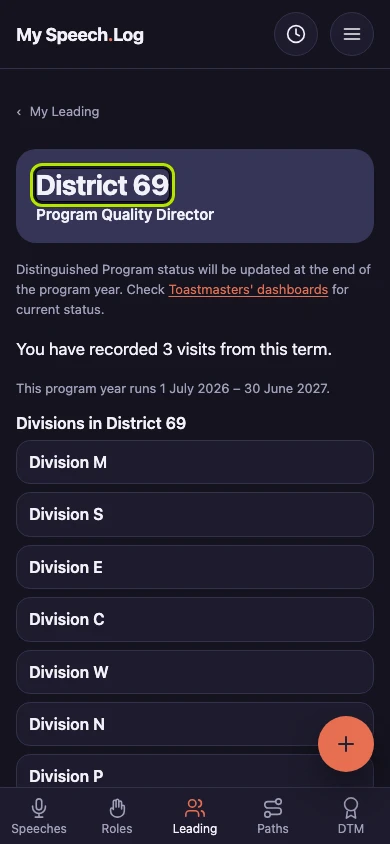
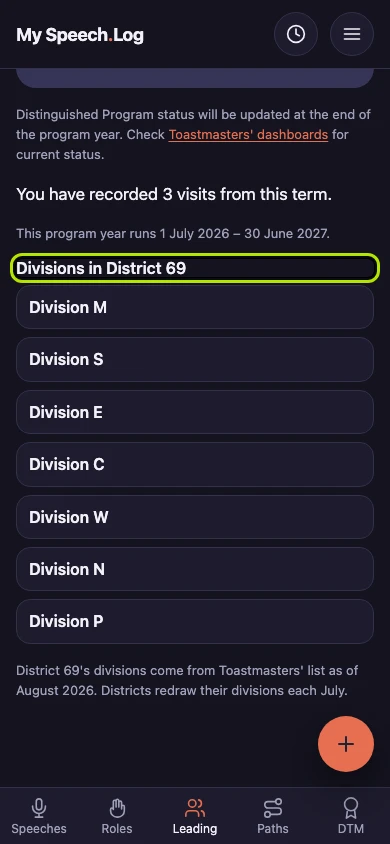
District 69 is the District you serve, with your office under it. The screen is for the program year of your term, so a term you are still serving shows this year.
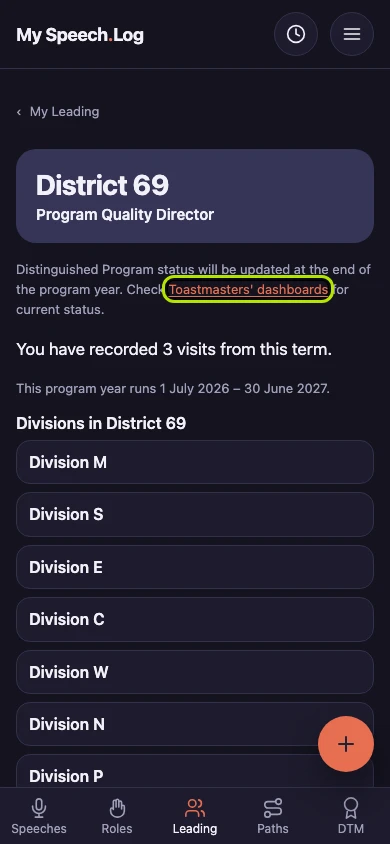
While the program year is still running, there is no Distinguished result to show yet. Press Toastmasters' dashboards to check the current status on Toastmasters' own website.
Divisions in District 69 lists every Division in your District. The line under the list says where the list comes from and how recent it is.
Press My Leading to go back to your Leader Log. A term shows this link when it records only a District. If it also records a Division or an Area, it links to that instead.