Seeing a role's own screen
A role's own screen gathers everything about one role: which role it was, when and where you took it, and which Level it counts toward.
5 steps
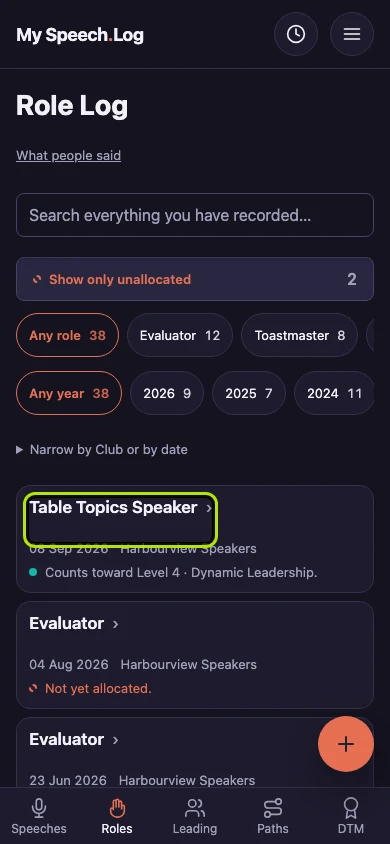
Press Roles to open your Role Log. Then press a role's title to open it. If your list is long, search for it first.
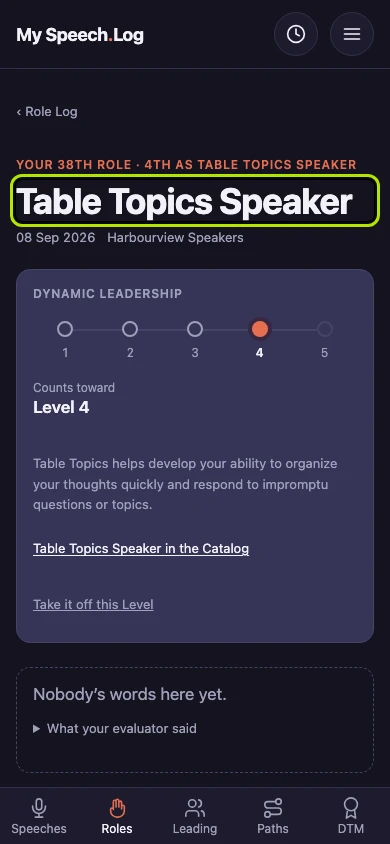
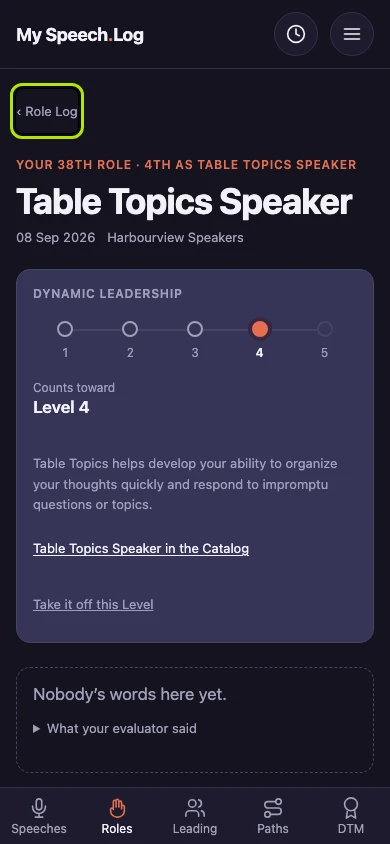
A role's own screen starts with the role, the date and the Club. The line above them tells you which number role this was for you, and how many times you have taken this role.
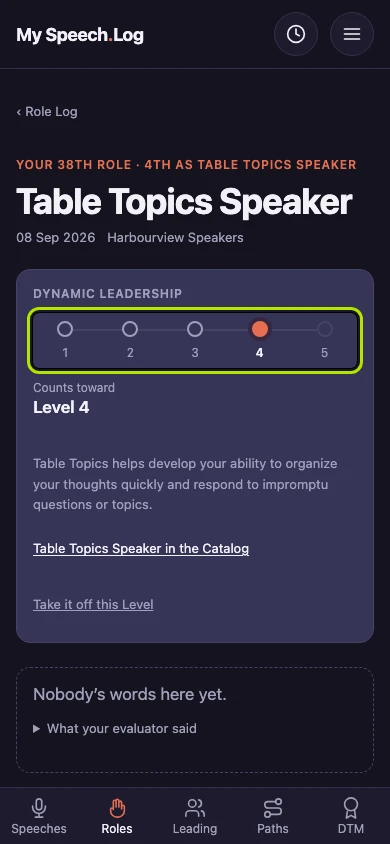
Look at the row of circles: each one is a Level of the Path, and the filled one is where this role counts. The Path's name is above the circles, and the Level is named under them.
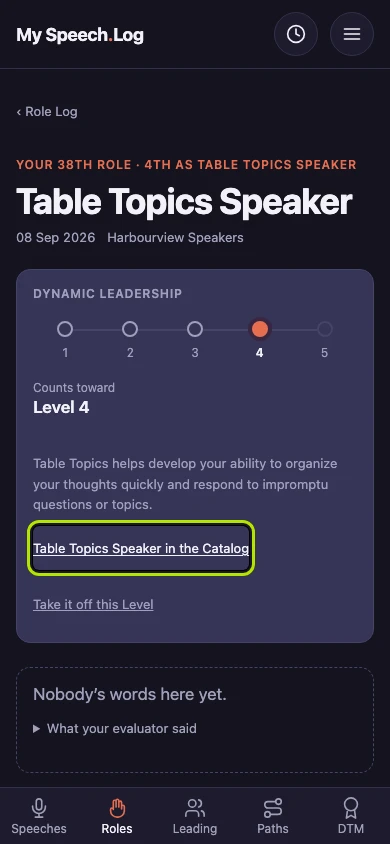
Press the link that ends in the Catalog to read what Toastmasters says this role involves.
Press Role Log above the title to go back to your list.


Next: Changing a role