Seeing a Pursuit's six Requirements
A DTM asks for six things, and a Pursuit's own screen is where you see which of them your record already covers. Open a Pursuit when you want to know what it is still short by.
7 steps
Press a Pursuit's name to open it. The screen you get holds its six Requirements and everything you can do to them.
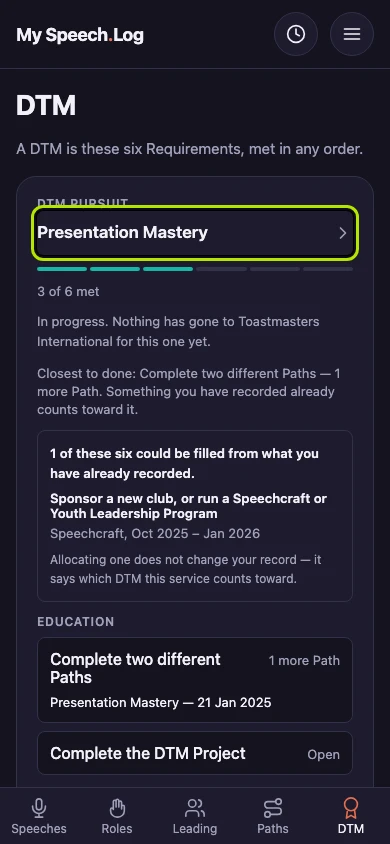
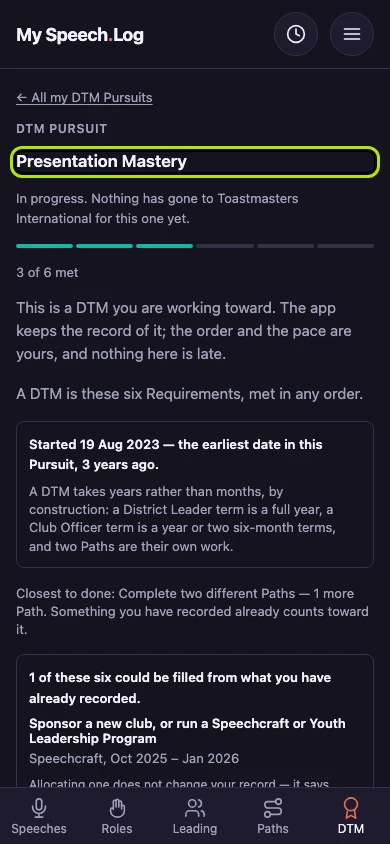
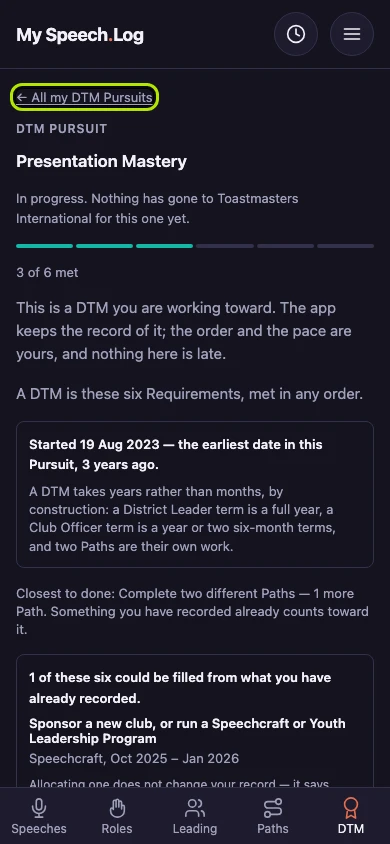
The Pursuit opens with how many of its six Requirements are Met, and where it stands with Toastmasters International. Met means your record has everything that Requirement asks for.
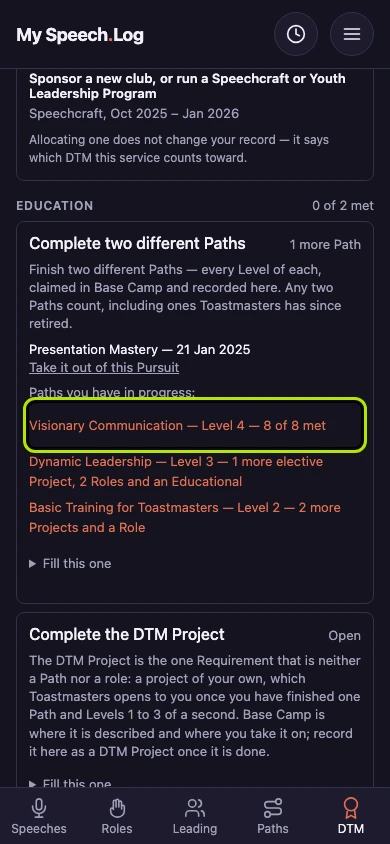
The six sit in the three groups every DTM chart uses, in a fixed order. Complete two different Paths says what it is still short by, and links to each Path you have going.
Press Log the plan speech to start Complete the DTM Project from the Speech Log. Your own DTM Project fills it: two speeches, one sharing your plan and one reviewing the project.
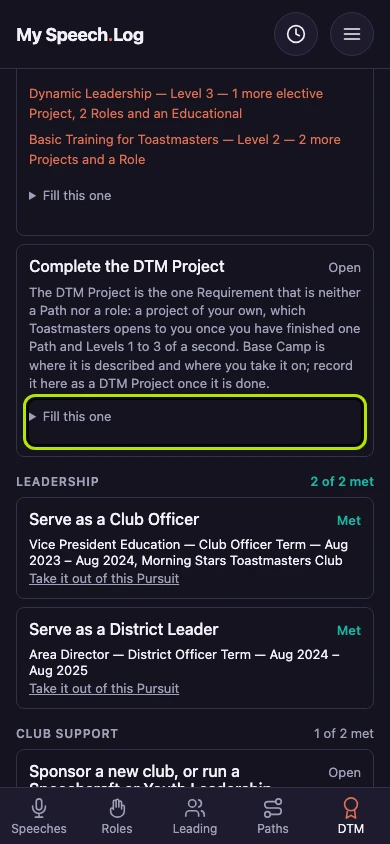
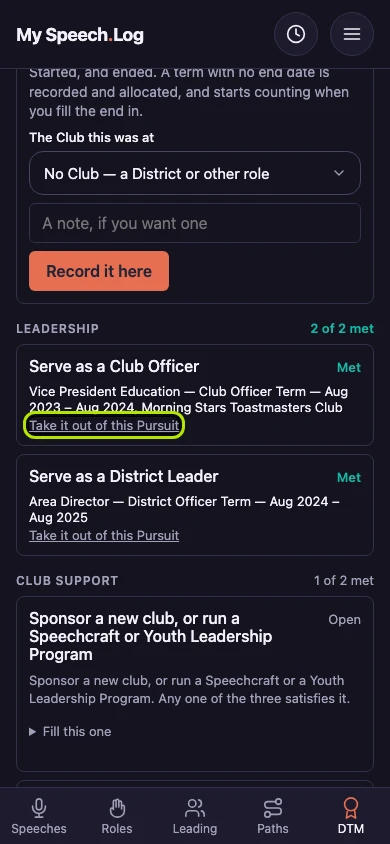
A Requirement that is Met names what filled it: the term, its dates and the Club. A term is a stretch of leadership or service. Press Take it off to put it back.
Press ← DTM to go back. Once all six Requirements are Met, this Pursuit reads Eligible and asks you to send the DTM application form (Toastmasters calls it Item 8956).
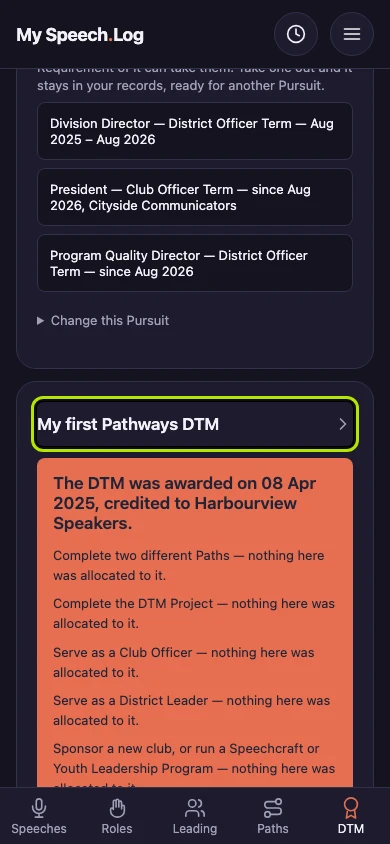
A DTM you hold has a short card, and How it was met opens to one line for each of the six Requirements. This one was recorded after the fact, so each line says nothing was allocated to it.