Seeing a Path's Levels
A Path's own screen shows its five Levels and what each one asks for. Come here to see what a Level still needs, or to read ahead at a Level you have not reached.
6 steps
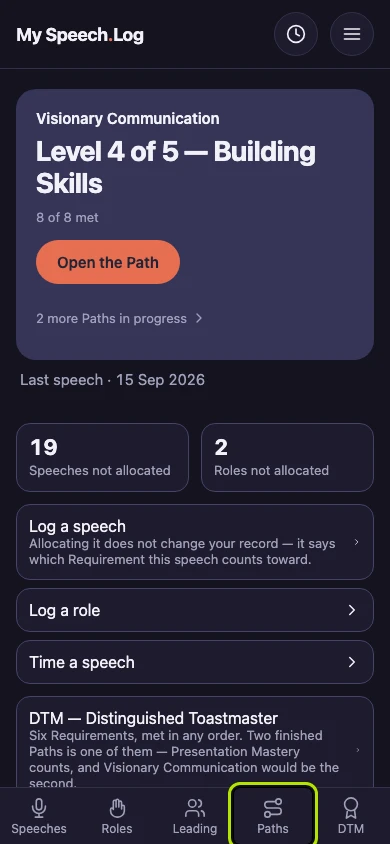
Press Paths to open My Paths.
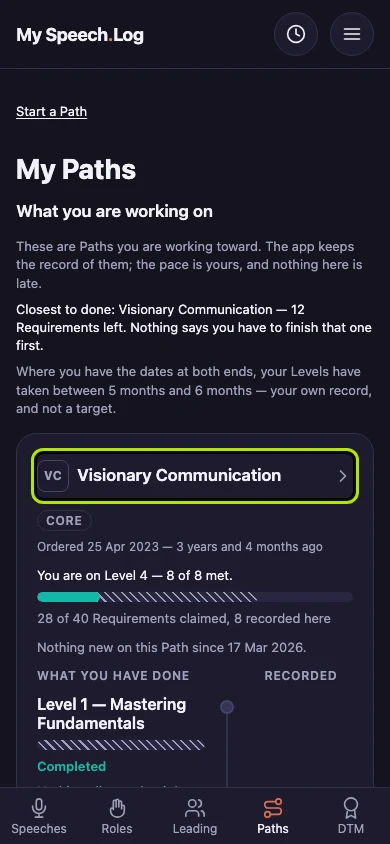
Press a Path's name to open it.
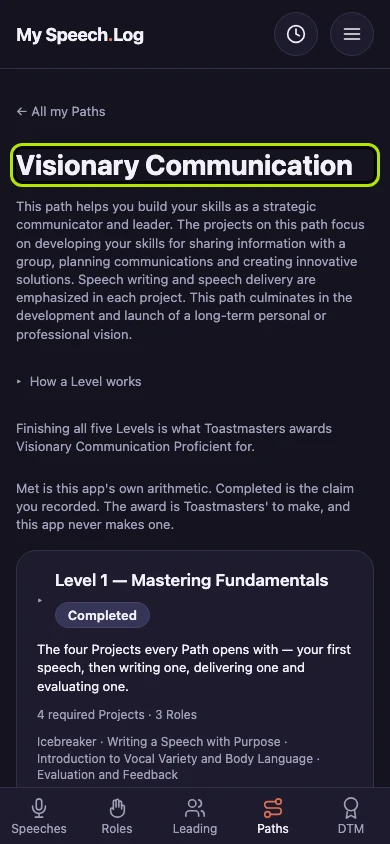
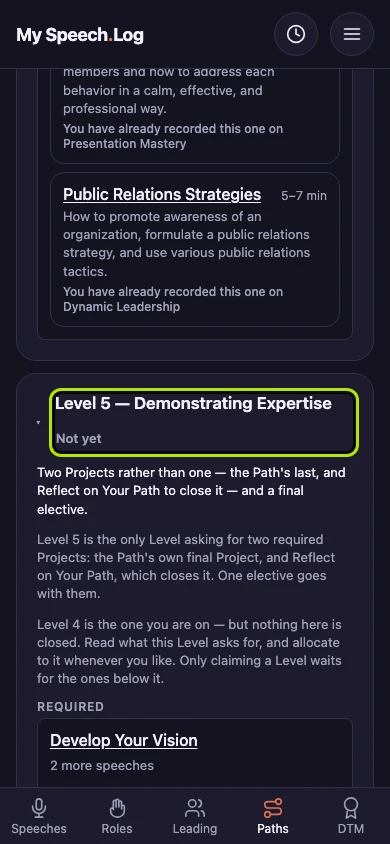
The Path opens on the Level where your next speech goes. Once everything the Level you are on asks for is Met, that is the next Level. It lists what it will ask for, so you can plan ahead.
The Level you are on is open too. It says Met, or a count such as 2 of 6 met. Met means your record has everything the Level asks for.
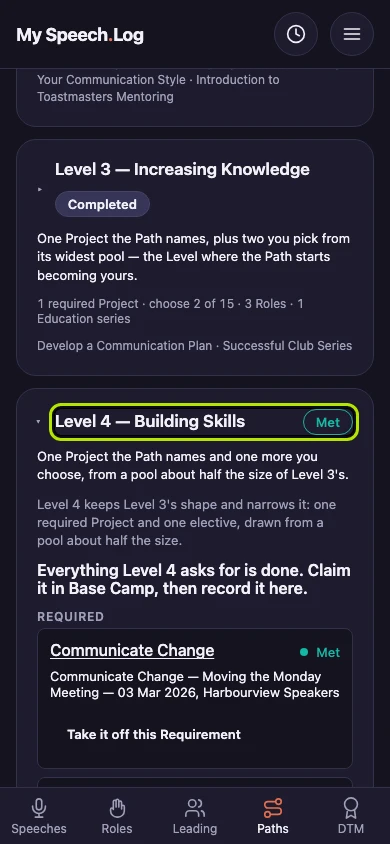
Each Requirement is one of the things the Level asks for — a Project, a Role or an Educational. Under its name is what you logged for it, with Met beside it.
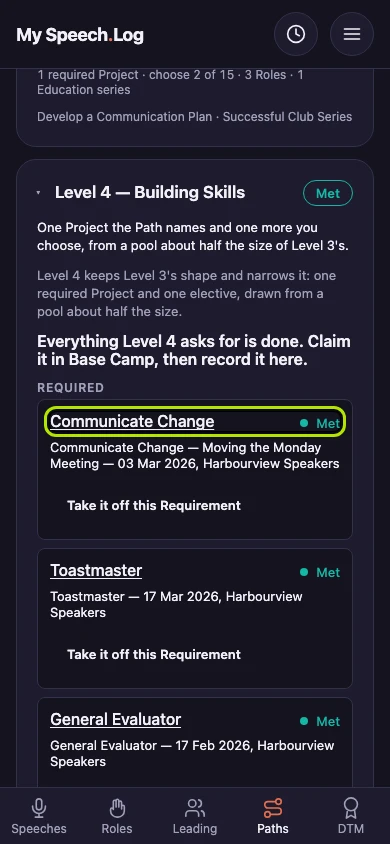
Press any other Level's name to open it. A Level that says Completed is one you have recorded as finished in Base Camp, and it still lists what it asked for.


Next: Filling a Level's Requirement from what you have logged