Removing a Path Completion
Your record that you finished a Path can be taken off on its own, leaving the five Levels Completed. Use it when the Path Completion was a mistake but the Levels are right.
5 steps
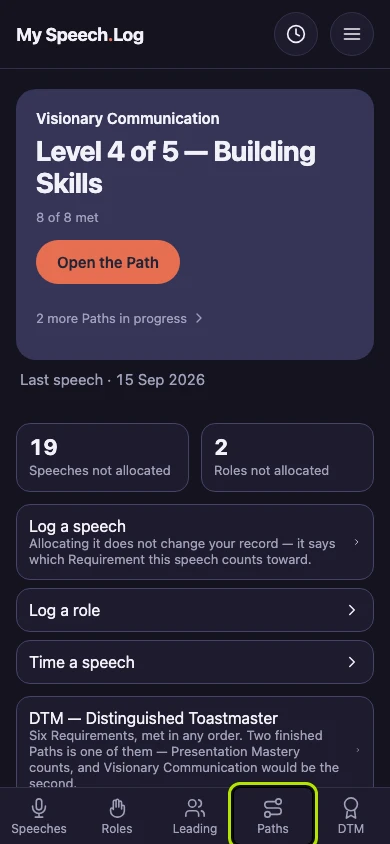
Press Paths to open My Paths.
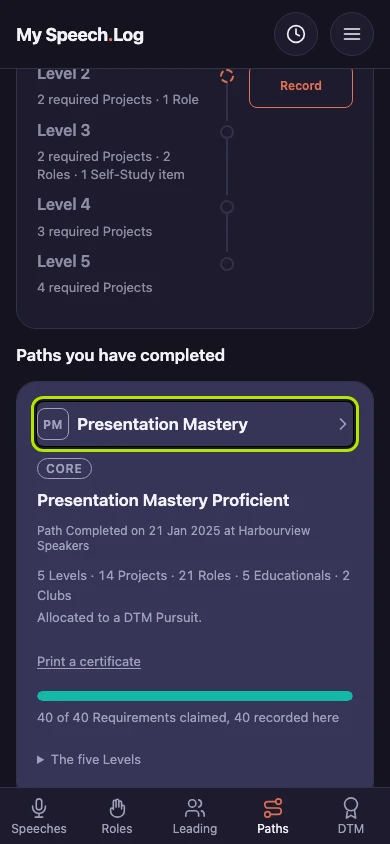
Scroll down to Paths you have completed and press the Path's name.
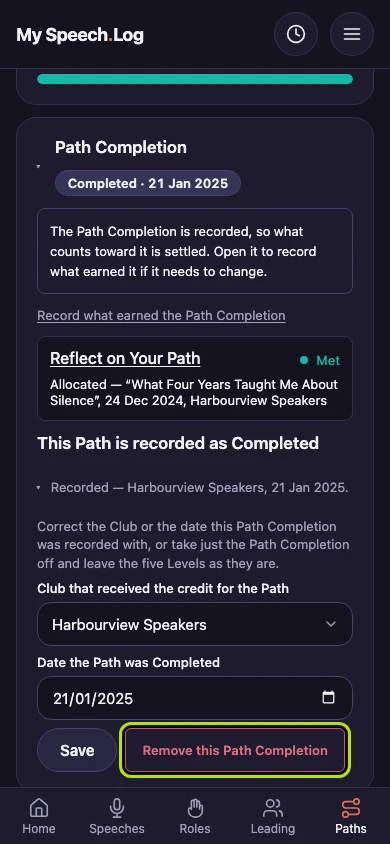
Scroll down to Path Completion, after Level 5, and press it to open it.
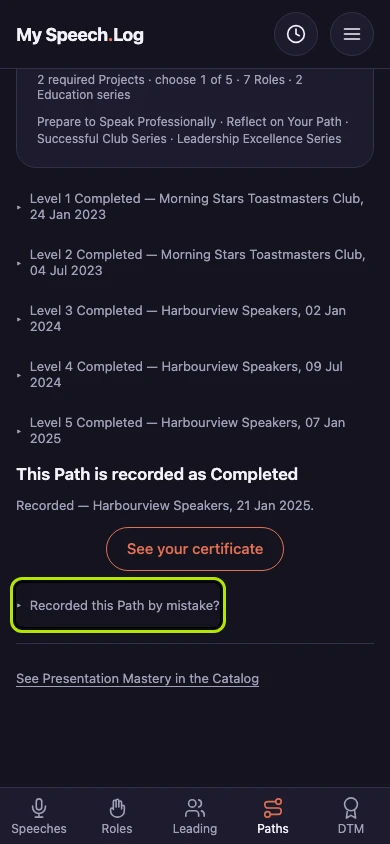
Press the line that starts Recorded, under This Path is recorded as Completed. It names the Club and the date, and it opens a small form.
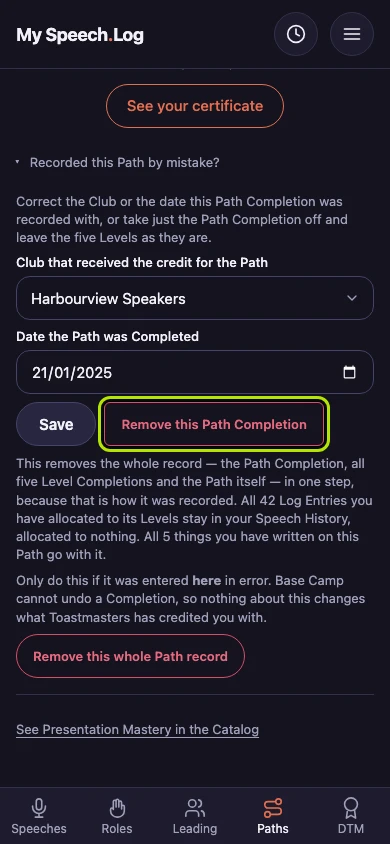
Press Remove this Path Completion. Only your record that you finished the Path is removed, and the five Levels stay Completed.


Next: Deleting a Path