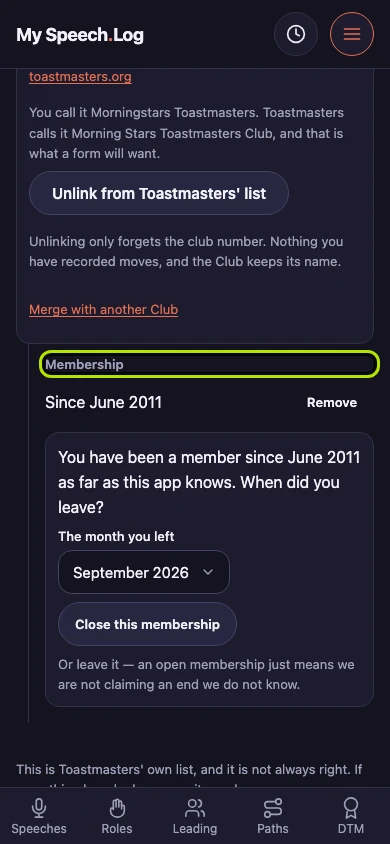
Recording when you joined a Club
Until you record joining, a Club has no dates on it at all. Record it whenever you like, from memory — the app keeps it correctable.
4 steps
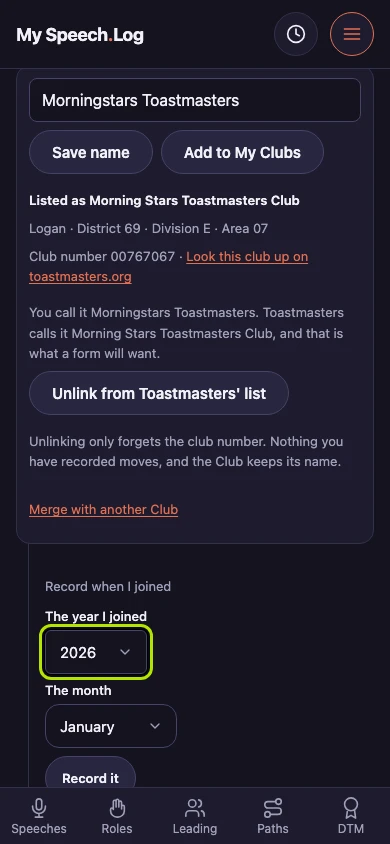
Press Record when I joined on a Club's row to open two boxes. Choose the year under The year I joined. It runs back forty years, far enough for a membership you are recalling rather than looking up.
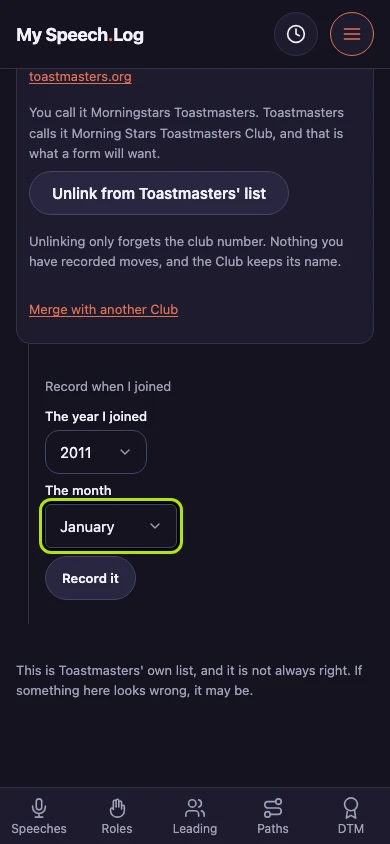
Choose the month under The month. The app asks for a year and a month only, because that is what people remember — and the year first, because it is the part you are sure of.
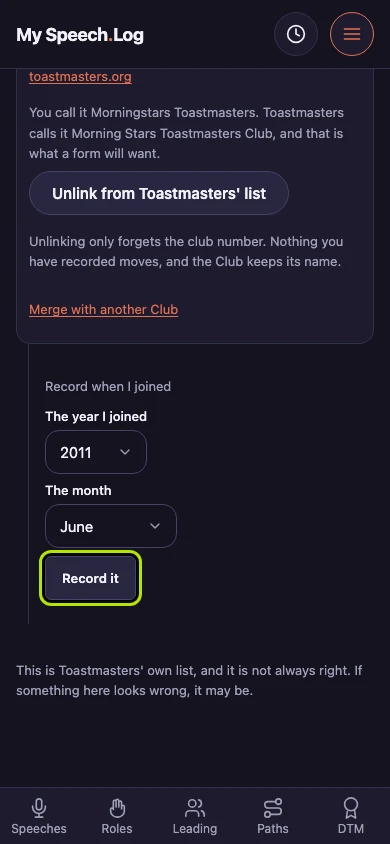
Press Record it to write the date onto the Club's row. It asks for an end date separately, because joining a club and leaving one are two facts and you may have only the first.
Membership now reads Since that month. This is a Club you no longer belong to, so the app offers straight away to record when you left. You can leave it open as long as you like.