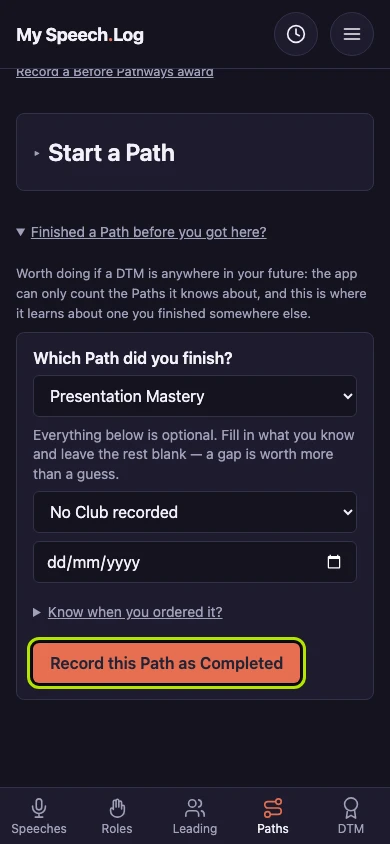
Recording a Path you finished before you arrived
A Path from before you arrived is set down in one go — all five Levels and the Path itself marked Completed. Do it for any Path already behind you, however long ago.
5 steps
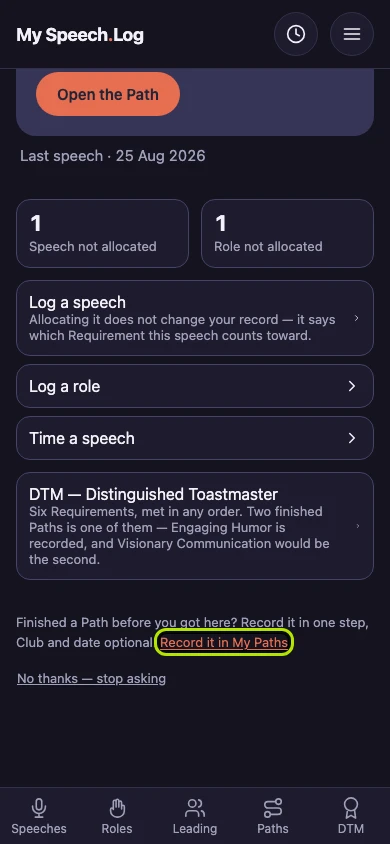
Press Record it in My Paths on your home screen. The app asks about Paths you finished before you started using it. A finished Path can count toward a DTM, so it is worth recording.
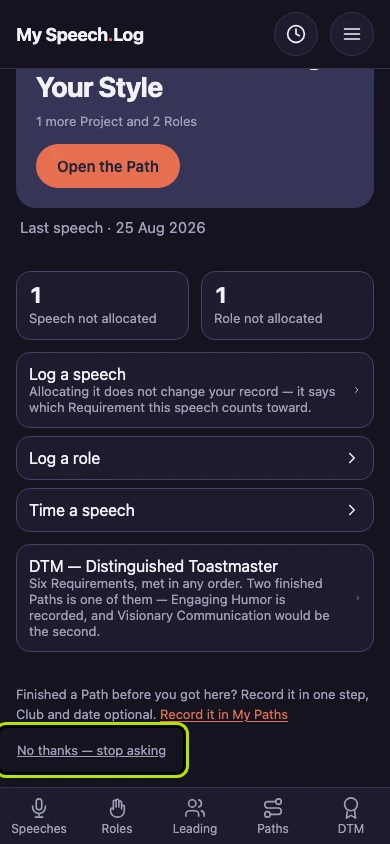
Press No thanks — stop asking if you have none to record. The question leaves your home screen. You can still record a finished Path later from My Paths.
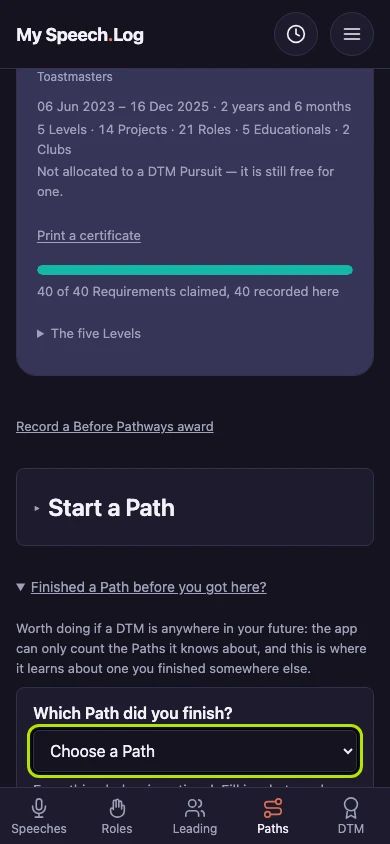
Press Finished a Path before you got here? on My Paths to open the form. Choose your Path under Which Path did you finish?
Choose the Club that received the credit, and enter the date you finished, if you know them. Both are optional, and you can leave them blank.
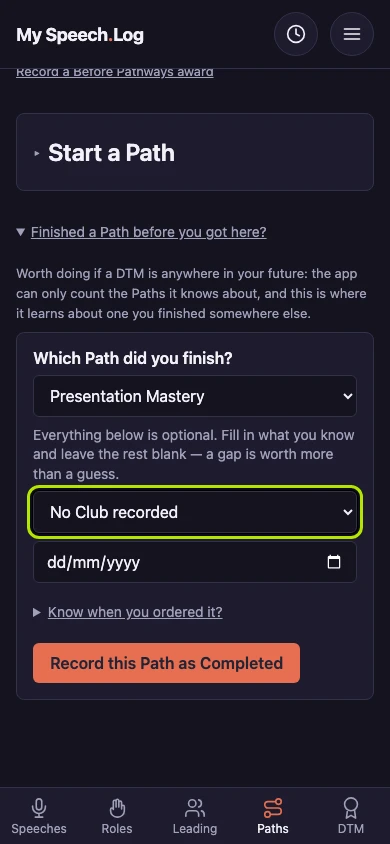
Press Record this Path as Completed. The app records all five Levels and the Path itself as Completed. The Path joins Paths you have completed, and it can count toward a DTM.