Printing a certificate
The app prints its own certificate for a Path you have recorded as Completed, with your five Levels, their dates and their Clubs. It is My Speech Log's record, not Toastmasters' certificate.
4 steps
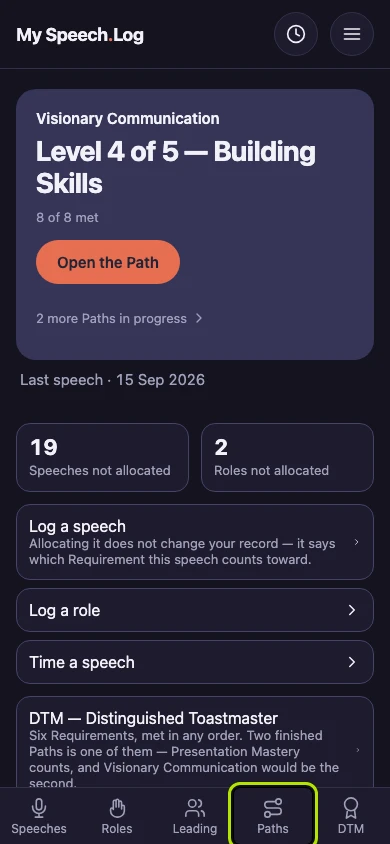
Press Paths to open My Paths.
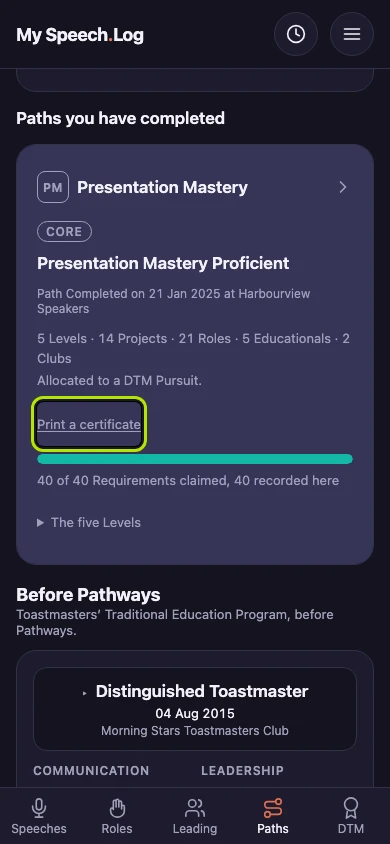
Scroll down to Paths you have completed. Press Print a certificate under the Path. Inside the Path, the same link is called See your certificate.
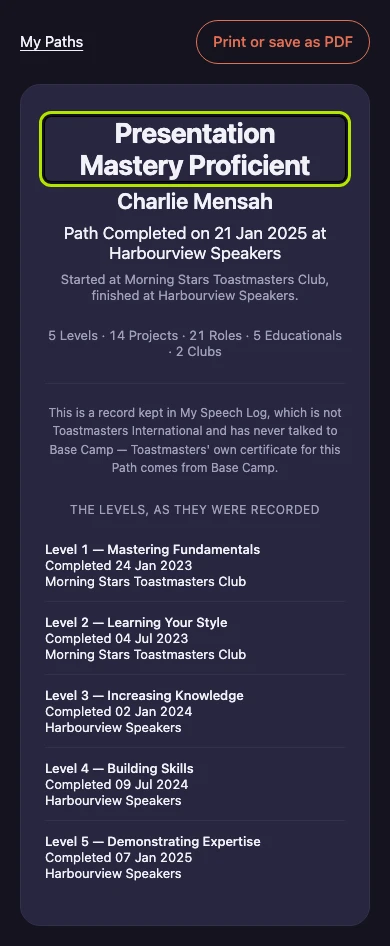
The certificate shows the Path, your name, and the Club and date you recorded. Under them are your five Levels with their dates and Clubs. It says clearly that it is My Speech Log's record, not Toastmasters' certificate.
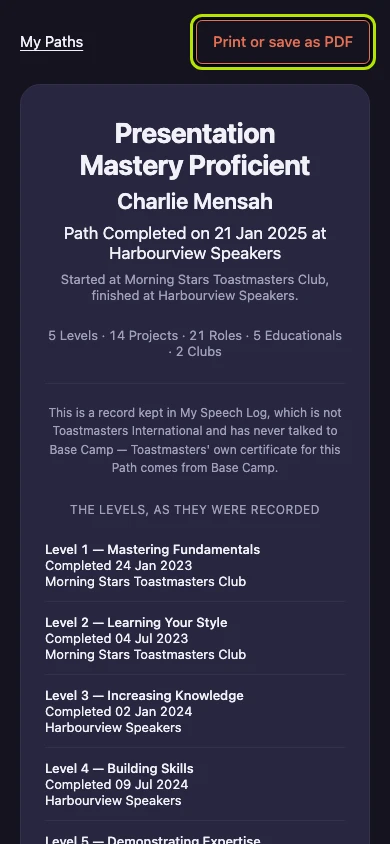
Press Print or save as PDF. Your browser's print window opens, where you can print or choose Save as PDF. Only the certificate is printed, without the app's menus and buttons.