Naming a Club
Naming a Club is how a club gets into My Clubs — search Toastmasters' list of clubs, or type the name yourself for a club that has not chartered yet. Do it before you record anything that happened there.
6 steps
Press the round + button on My Clubs. It opens Add to My Clubs, where one box searches every club on Toastmasters' list of clubs.
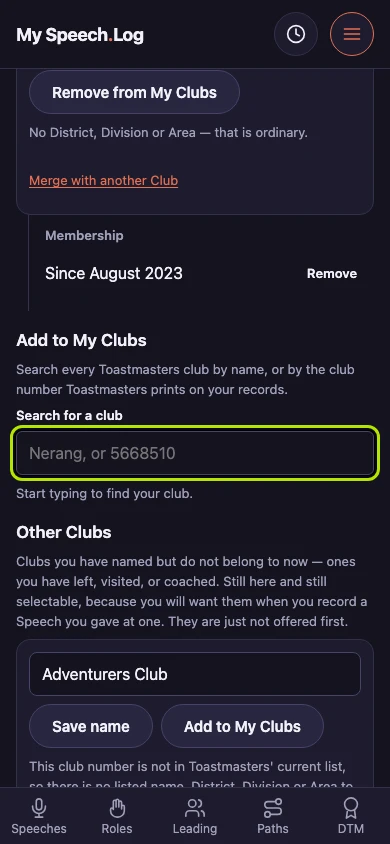
Type a club's name into Search for a club. The same box takes the club number Toastmasters prints on your records.
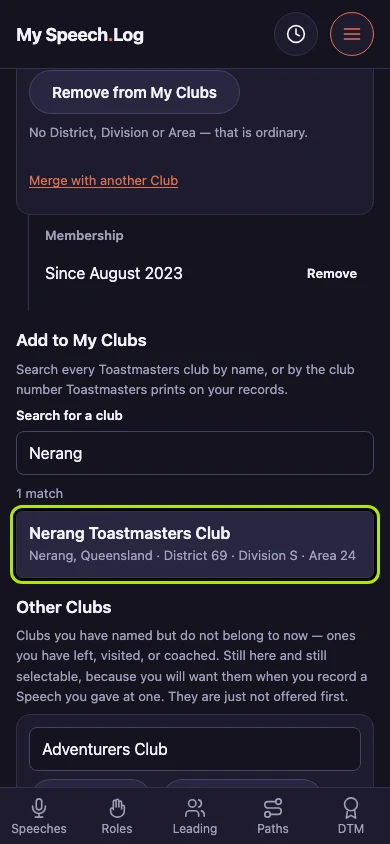
Choose the club from the results. Each one carries the city, then the District, Division and Area, which is what tells three clubs of one name apart. The line above the results counts what matched.
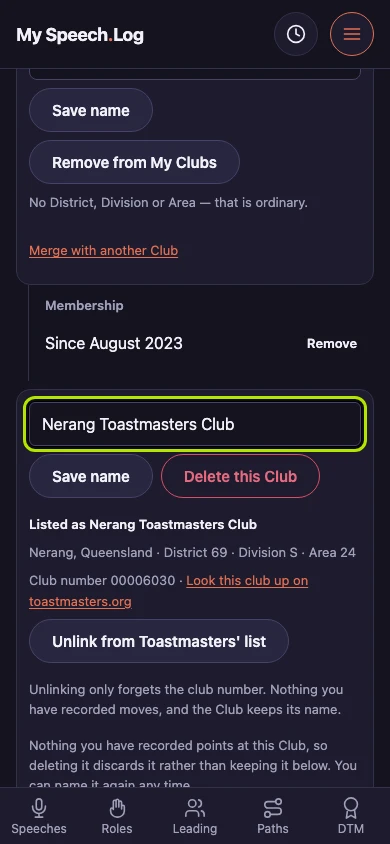
The app opens the Club's own screen and says it is in My Clubs, under Toastmasters' own name and linked to their record of it. Press Rename it there to call it anything you like.
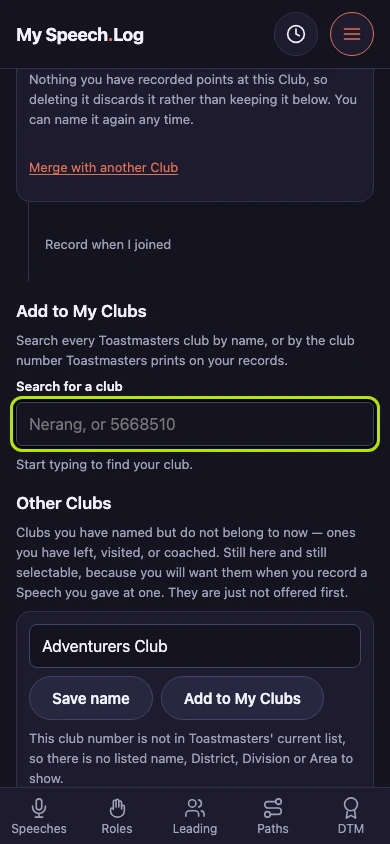
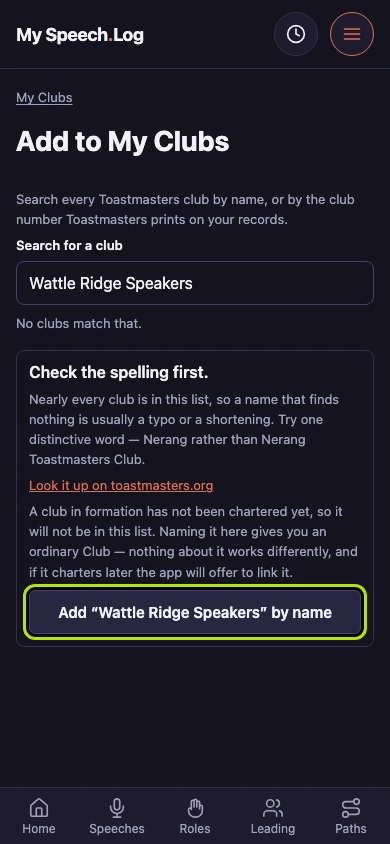
Type the name of a club that has not chartered yet. It is on no list, so search for it first: the app offers the other way in once nothing has matched.
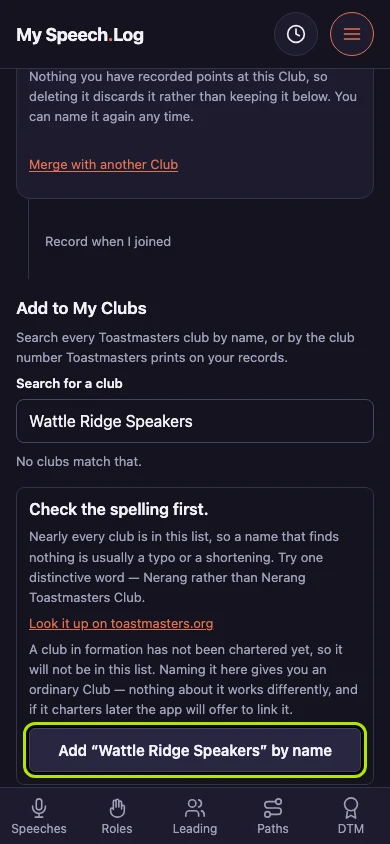
Name it yourself with the button that offers to add it by name. A Club you typed works exactly like one you picked, and the app offers to link it to Toastmasters' list if it charters later.


Next: Changing a Club's name