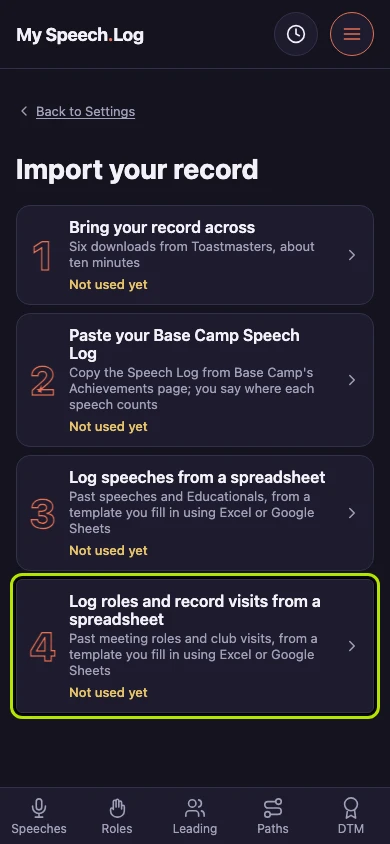
Logging roles and recording visits from a spreadsheet
A spreadsheet of your own brings years of meeting roles and club visits in at once. The app reads it, asks about each club once, and records nothing until you save.
4 steps
Press Log roles and record visits from a spreadsheet. It takes a spreadsheet of your own, one row for each evening you were at a club.
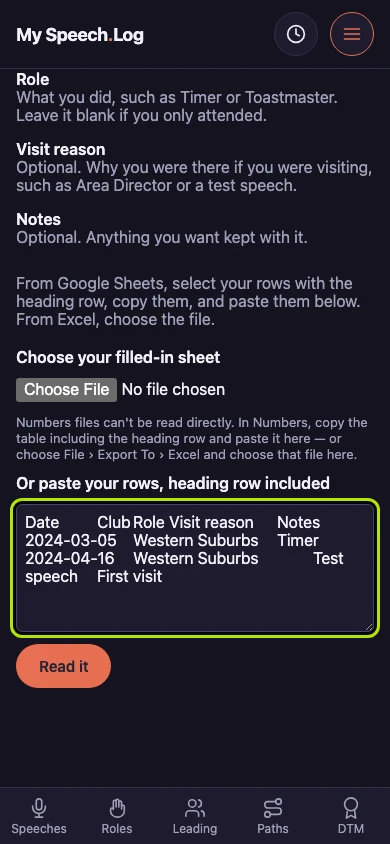
Paste your rows with the heading row on top, copied straight from your spreadsheet. If you keep them in Excel, choose the file instead.
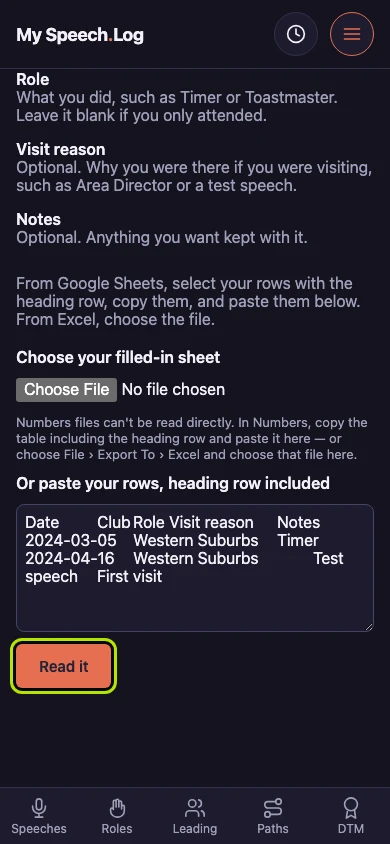
Press Read it. Nothing is recorded yet: the app reads your rows and shows you what it found first.
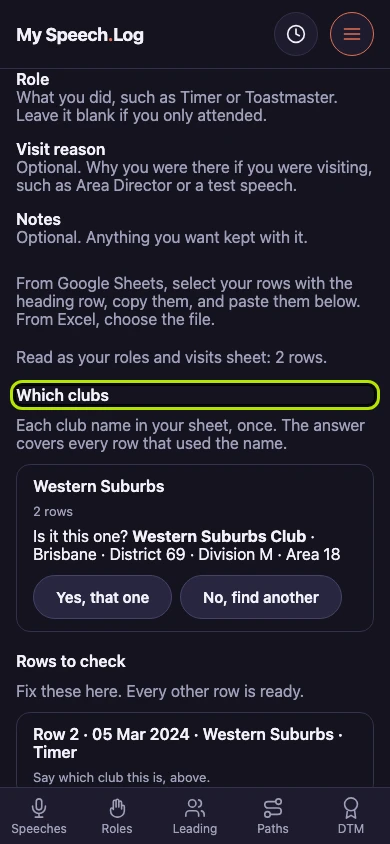
Answer each club once. The answer covers every row that names it, and a club you were only visiting makes those evenings visits in your Passport.