Logging an Educational
An Educational is a session you ran rather than a speech you gave, and it is logged the same way. Some Levels ask for one.
5 steps
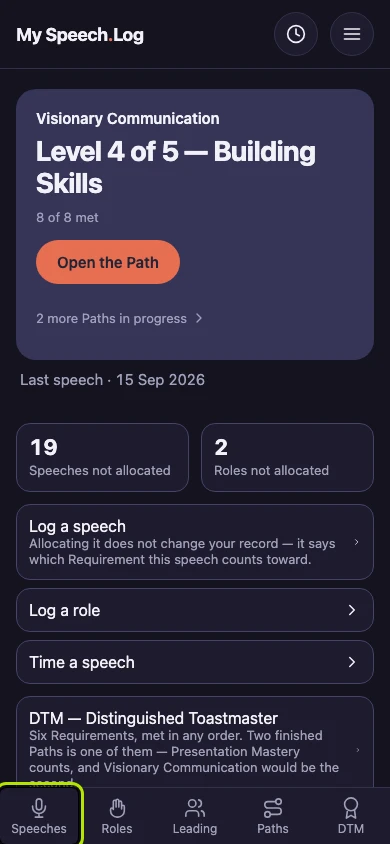
Press Speeches to open your Speech Log.
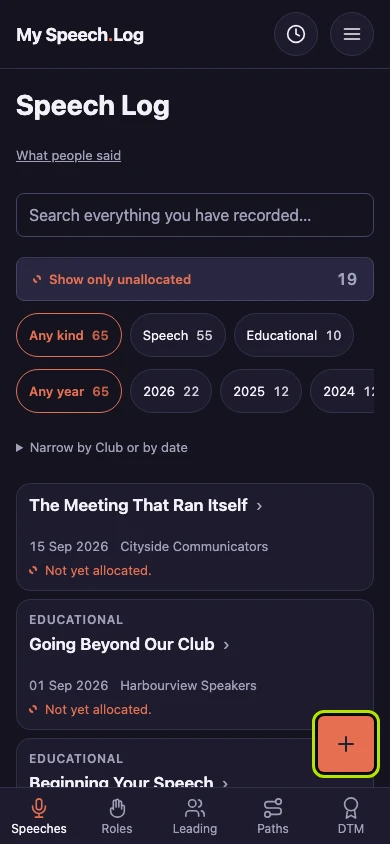
Press the round + button. You log an Educational with the same form as a speech.
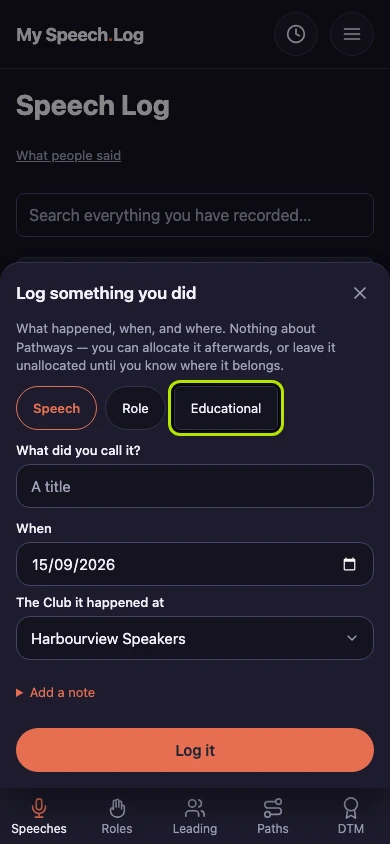
Press Educational. The first question changes, because an Educational is one of the ready-made presentations Toastmasters publishes, so it already has a name.
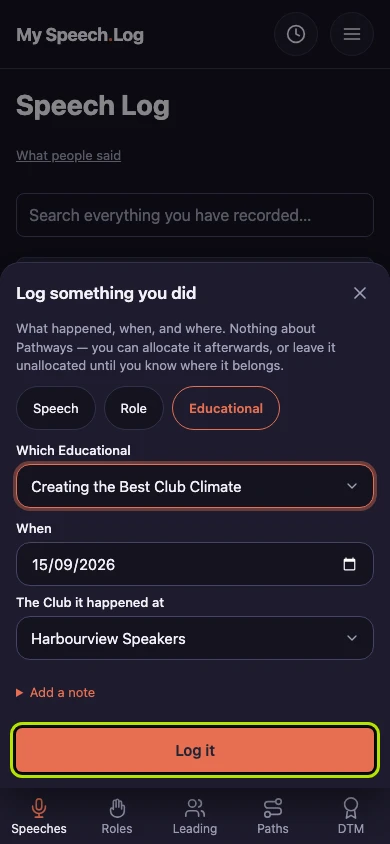
Choose the one you presented under Which Educational. The list is the Education Series that Toastmasters publishes.
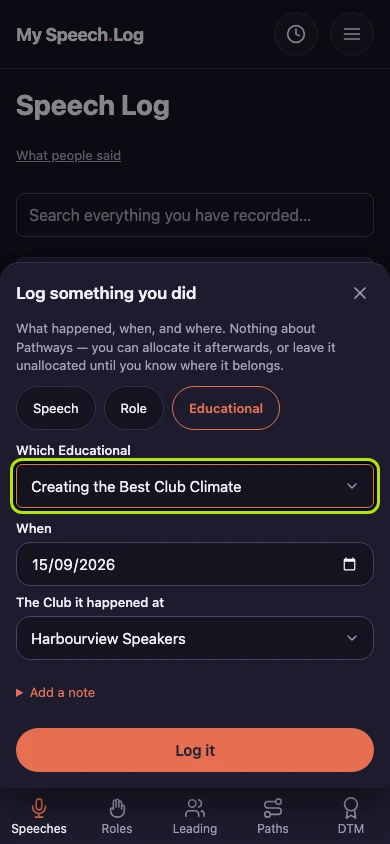
Fill in the date and the Club, as you would for a speech, then press Log it. An Educational always needs a Club.