Importing your Toastmasters record
Everything you have already done in Toastmasters can come across, rather than being typed in again. Do it when you are ready — there is no deadline, and nothing else waits on it.
7 steps
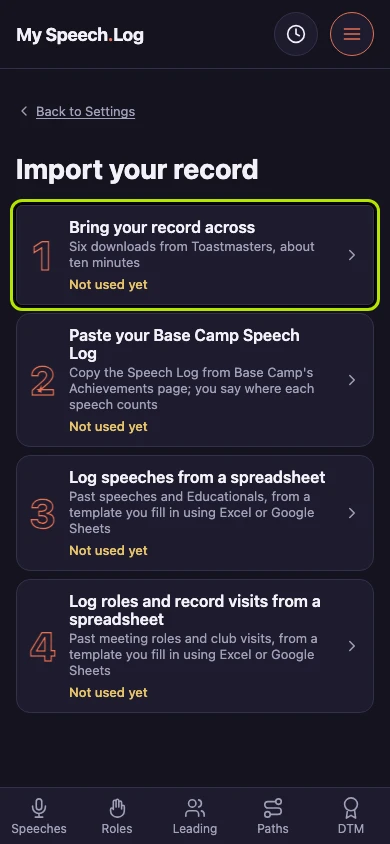
Open Import your record in Settings, then press Bring your record across. Toastmasters will hand over your history as six spreadsheet downloads, and this screen reads them. It stays here, saying when you last used it.
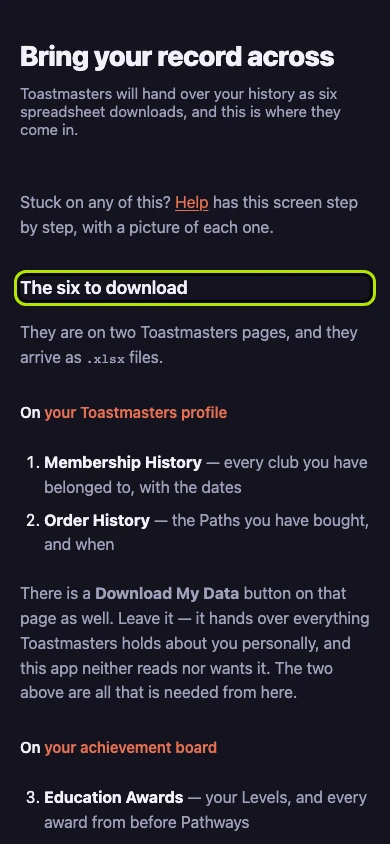
Get the six files is one step for each spreadsheet: a link straight to its page on the Toastmasters site, what to press there, and a picture of the button.
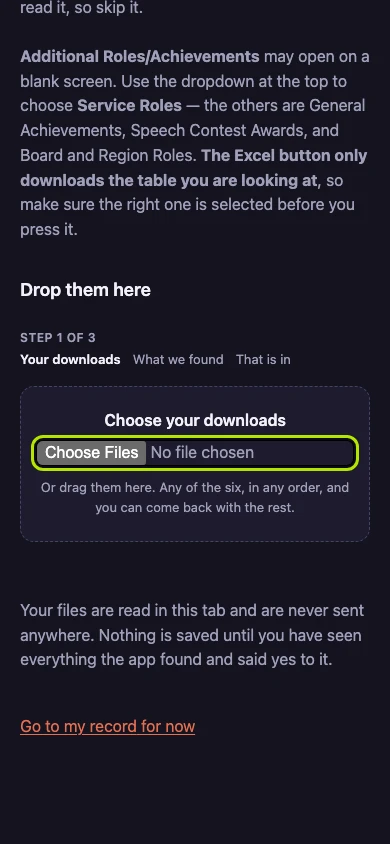
Press Choose your downloads to pick the files, or drag them onto the screen. Any of the six will do, in any order. They are read in this tab, and nothing leaves it unless you press Send.
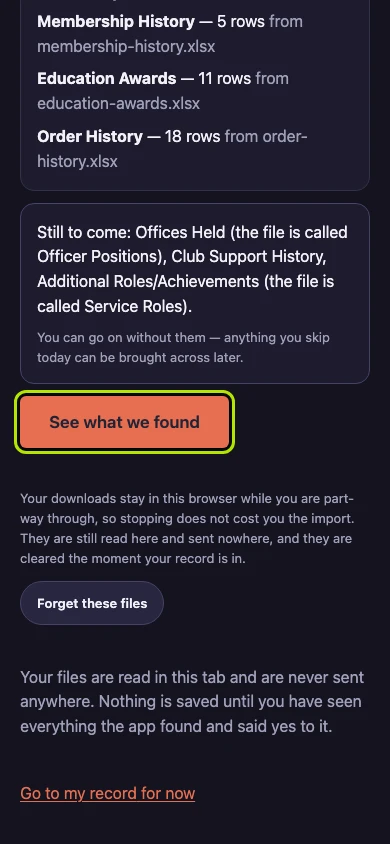
Press See what we found. The screen lists which of the six it read and which are still to come — you can go on without the rest. Nothing is saved yet.
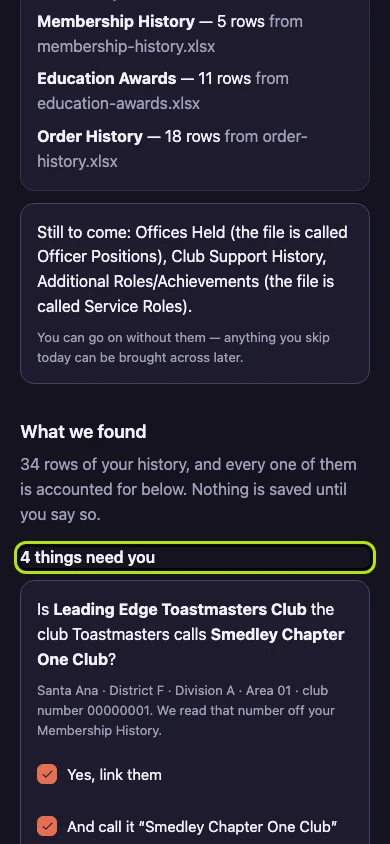
What needs you comes first: whether a club of yours is the one Toastmasters lists, and what the app could not read. Anything already in your record says so and is not asked again.
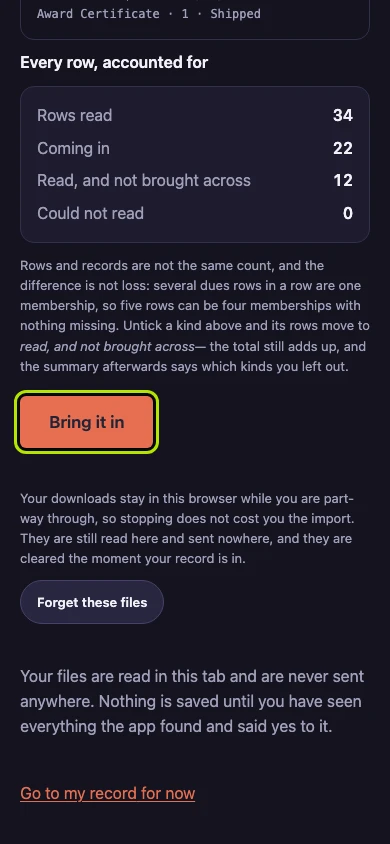
Press Bring it in to save everything you have just read through. Nothing is written until you do. Anything you already have is kept as it is — only an empty end date is filled in.
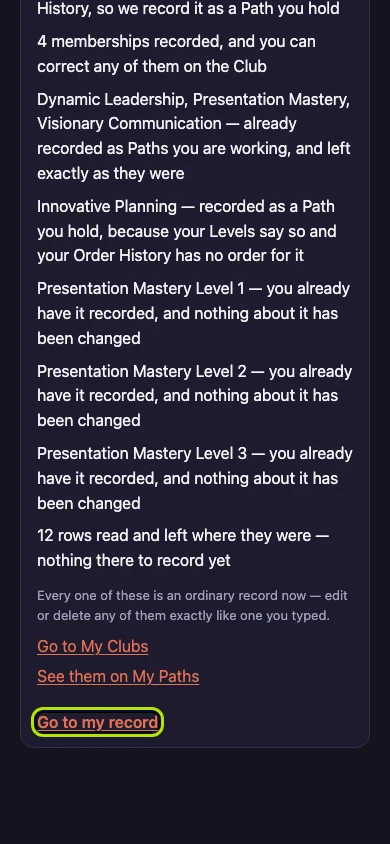
Press Go to my record to see what came in, or Import something else for the next import. Everything brought in is an ordinary record now — change or delete it like anything you typed.