Finding your Clubs
Every speech, role and term you record happened at a club, and My Clubs is the list the app draws those from. Come here to add a club, or to fix its name or your dates.
6 steps
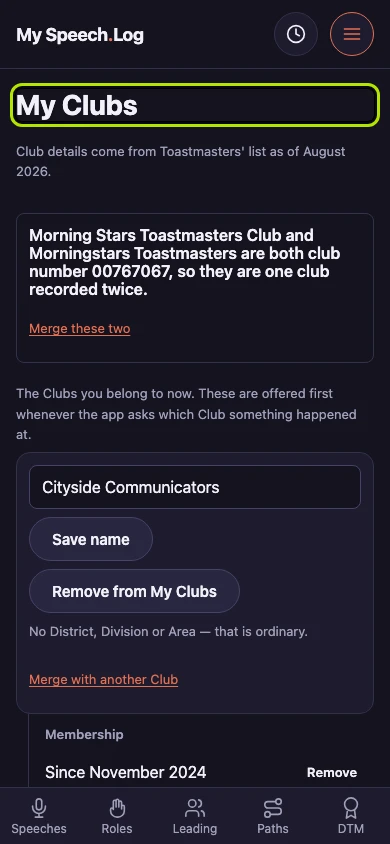
My Clubs opens with the Clubs you belong to now — the ones offered first whenever the app asks which Club something happened at. The line under it dates Toastmasters' list of clubs, which can be out of date.
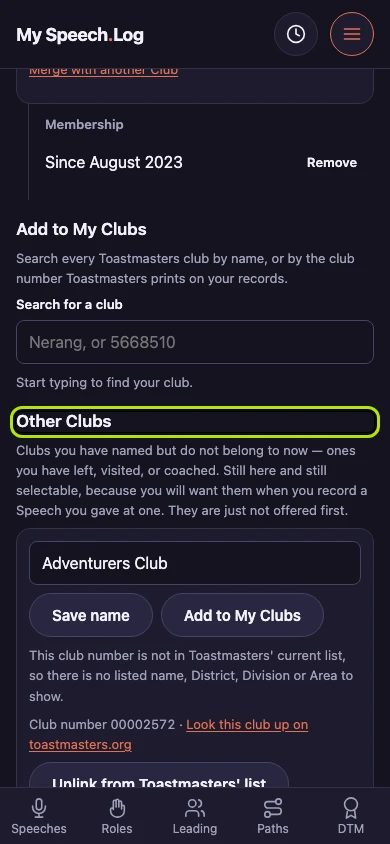
Other Clubs holds the Clubs you have named but do not belong to now — ones you have left, visited or coached. You can still choose one when you record a speech you gave there.
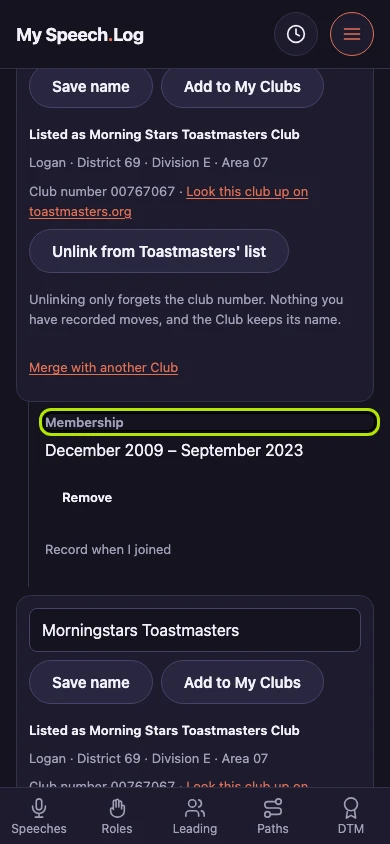
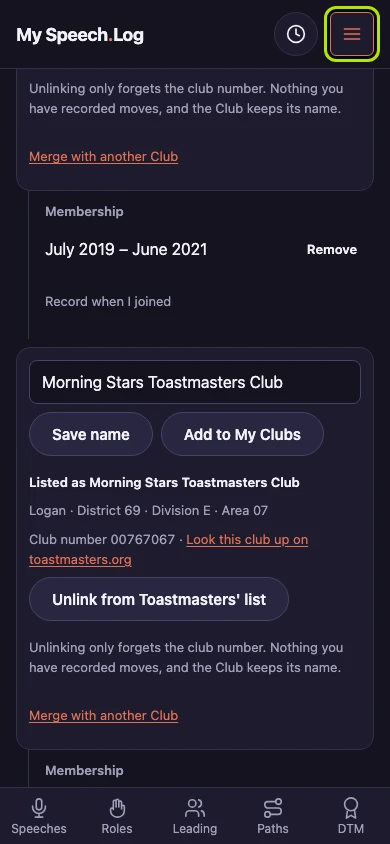
Membership under a Club's row gives the dates you belonged to it, a month at each end. Where only the start is there, you have recorded when you joined and left the rest open.
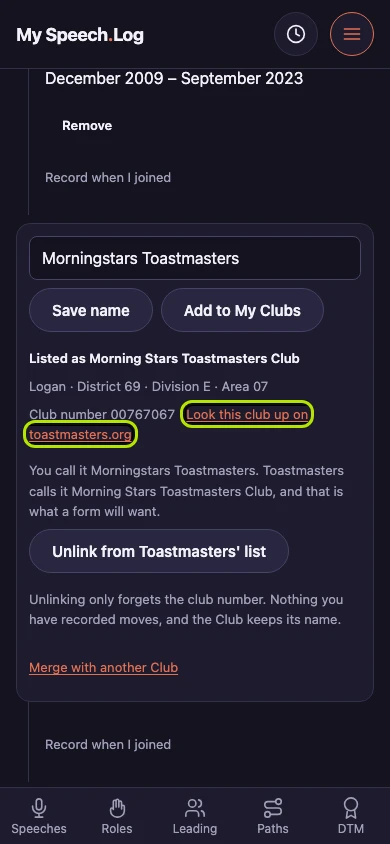
Press Look this club up on toastmasters.org to open Toastmasters' own page for the club in a new tab. Above it sit the name they list it under, the city, and the District, Division and Area.
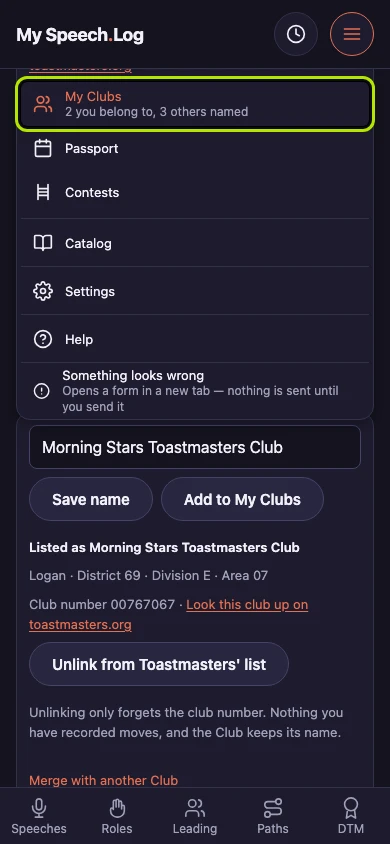
Press Menu, then My Clubs. You can open the menu from every screen in the app.
My Clubs counts the Clubs you belong to and the others you have named, so you can read both numbers before you go in.


Next: Naming a Club