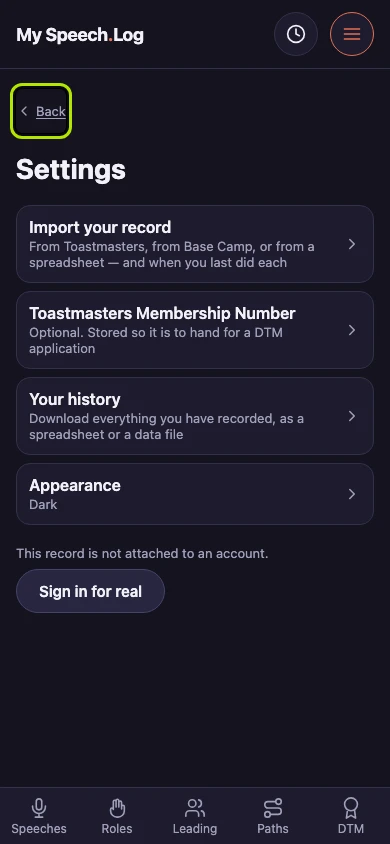
Finding Settings
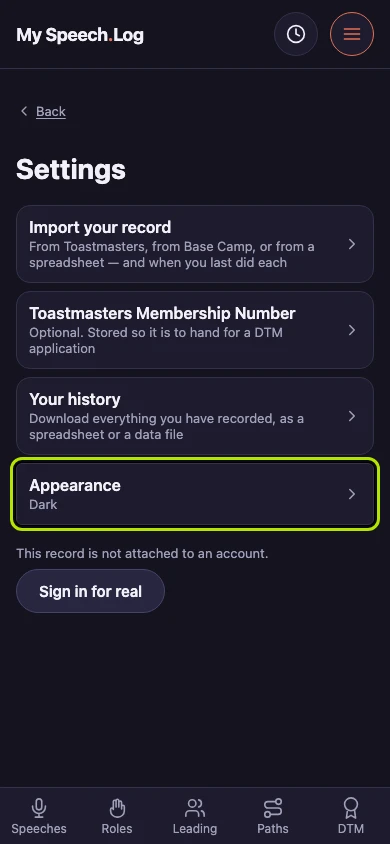
Settings holds the app's own preferences — how it looks, bringing your record across, your Membership Number, and a copy of your history. Every row opens a screen of its own and says beforehand what is behind it.
6 steps
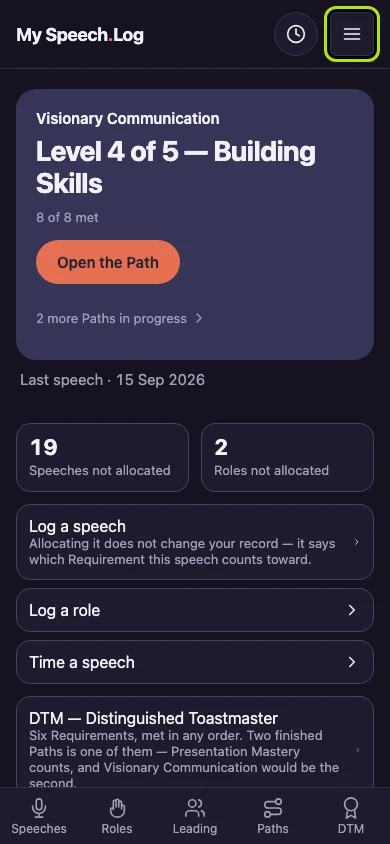
Press Menu. It is on every screen in the app, and it is where Settings lives.
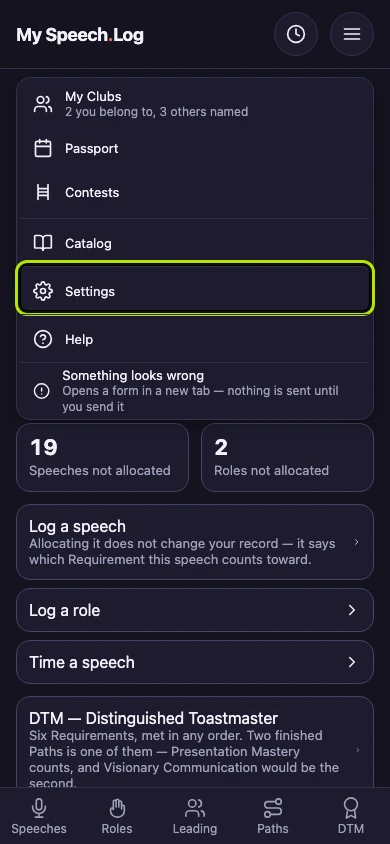
Press Settings to open the app's own preferences. This is where you change how the app looks, bring your record across, and take a copy of your history.
Every row here opens a screen of its own, and says beforehand what is behind it. Import your record holds every way to bring your history in — from Toastmasters, from Base Camp, or from a spreadsheet.
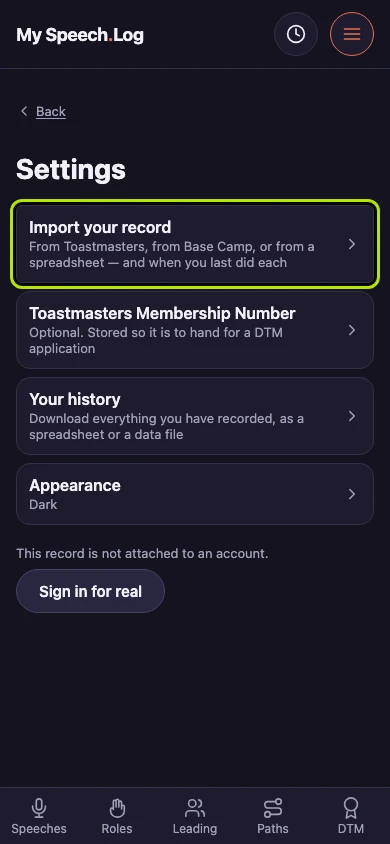
Other rows say what is true right now instead. Appearance reads Dark or Light, so you can see which one you are in without opening it.
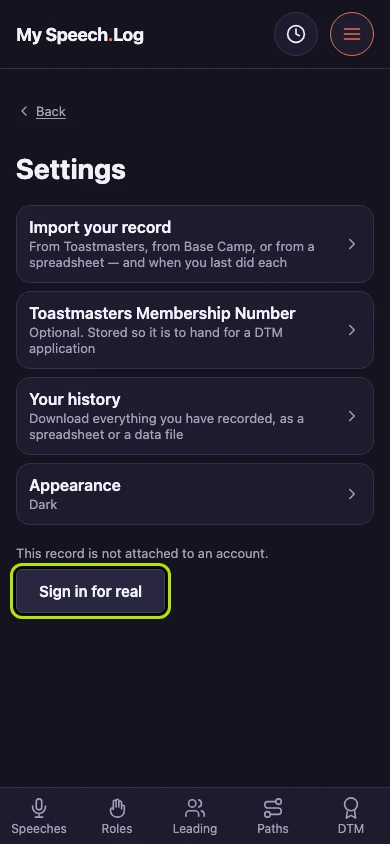
Settings ends with your account. If you signed in with Google, your address is here, with a Sign out button. This demo record is not attached to an account, so it offers Sign in for real instead.
Press Back to leave Settings and return to whatever you were doing before you opened the menu.