Deleting a role
Deleting removes a role from your record for good. It is for a role you logged by mistake; to fix a detail, change it instead.
4 steps
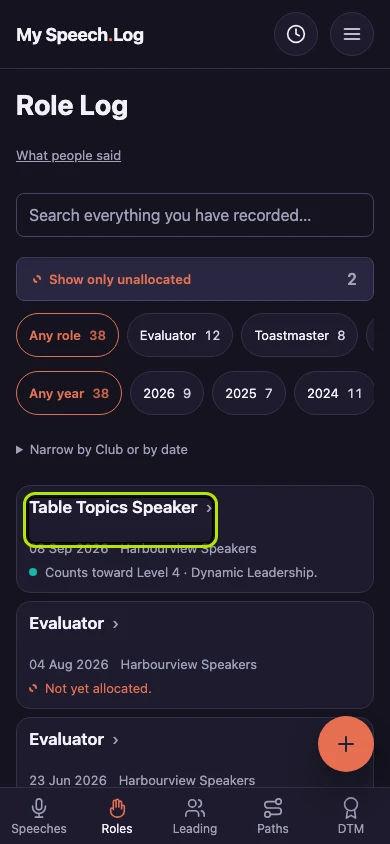
Press Roles to open your Role Log. Then press the title of the role you want to delete.
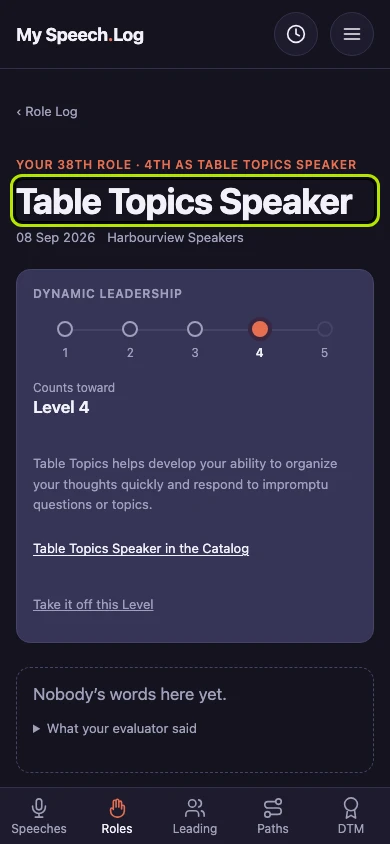
Check that you have the right role by its name, date and Club. Then scroll down past everything else and press Delete this role. It sits last so nobody presses it by accident.
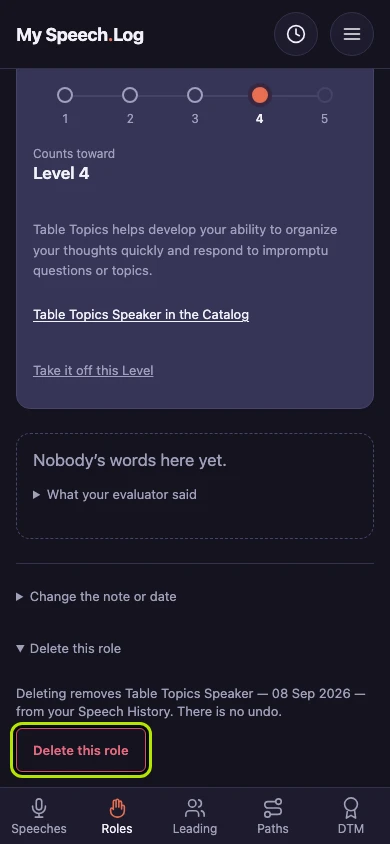
Read the line above the button: it names the role and the date you are about to delete. Press Delete this role only if you are sure, because deleting cannot be undone.
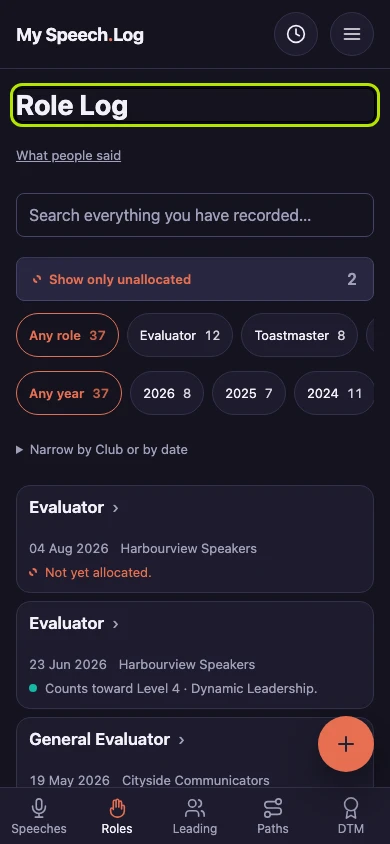
You are back on your Role Log, and the role is gone. If it counted toward a Level, that spot is free again. Everything else you have logged is unchanged.


Next: Changing a role