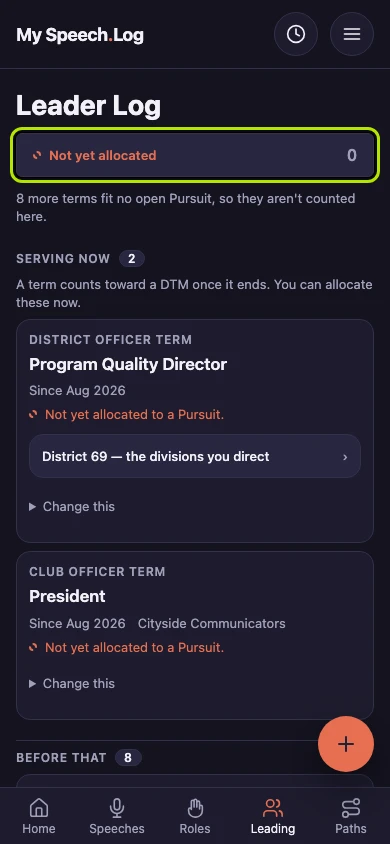
Deleting a Pursuit
Deleting removes a Pursuit and puts everything it held back into your records, exactly as you recorded it. It is for a Pursuit you are not going to work on.
5 steps
Press the name of the Pursuit you want to delete.
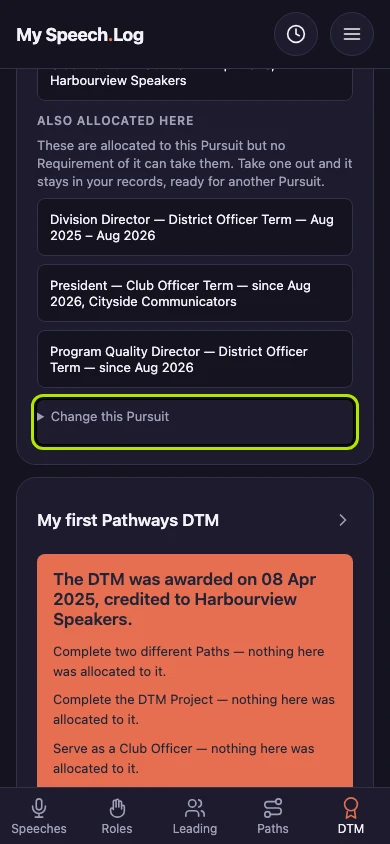
Press Change this Pursuit, at the foot of its screen. It opens a small form holding everything you can do to the Pursuit itself.
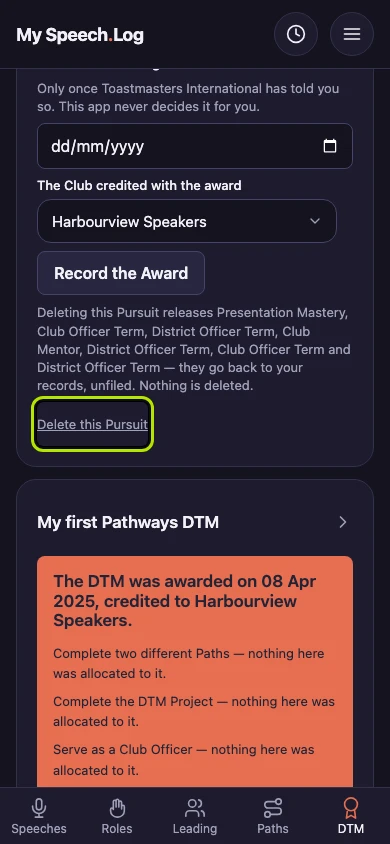
Read what deleting releases, then press Delete this Pursuit. Everything the Pursuit holds goes back to your records, exactly as you logged it.
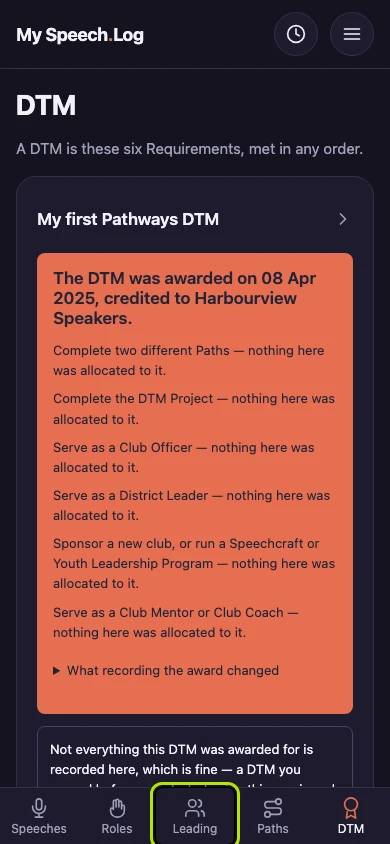
Press Leading to open your Leader Log. Every term the Pursuit held is waiting there, and the Path it counted is still Completed on the Path itself.
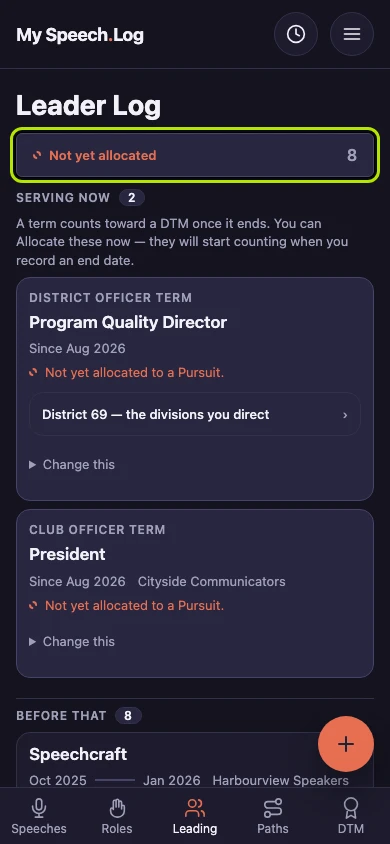
Not yet allocated filters your Leader Log to the terms an open Pursuit could take that are not allocated yet. Everything the Pursuit released is in there, and you can leave it that way as long as you like.