Recording when you joined or left a Club
The dates you belonged to a Club are the month you joined and the month you left. Record leaving here, or correct dates an import guessed at.
6 steps
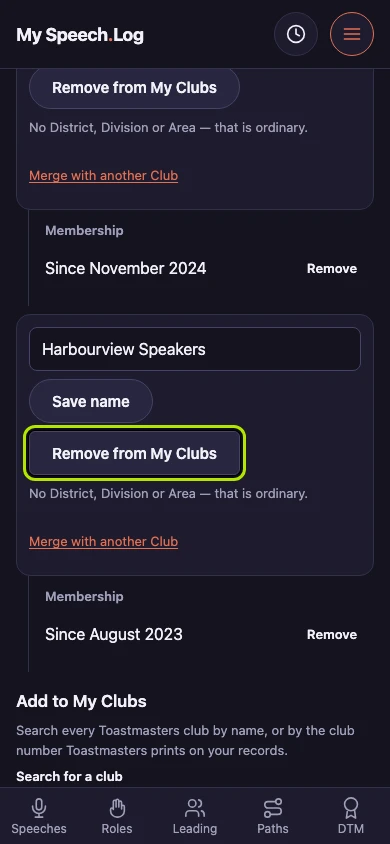
Open the Club from My Clubs and press Remove from My Clubs once you have left it. The app then offers to record when you left, and takes your answer for it: an unpaid renewal and leaving are different things.
Press Correct the membership dates. The app asks When did you leave? inside, and you can leave the membership open instead.
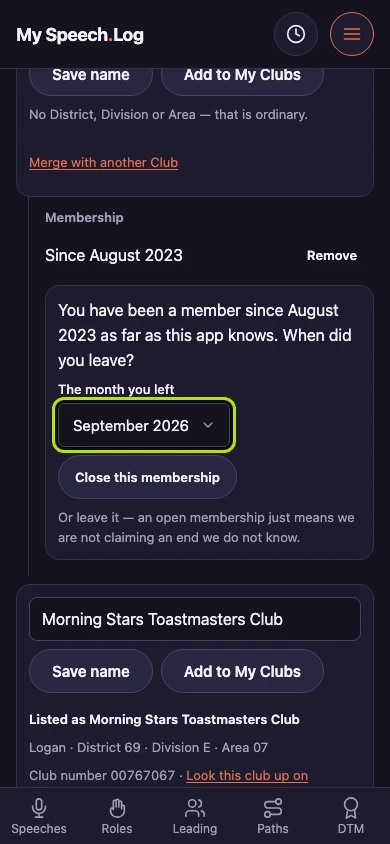
Choose the month under The month you left. The app fills in this month for you to change, and asks for a month only — a day is a precision nobody has about leaving a club.
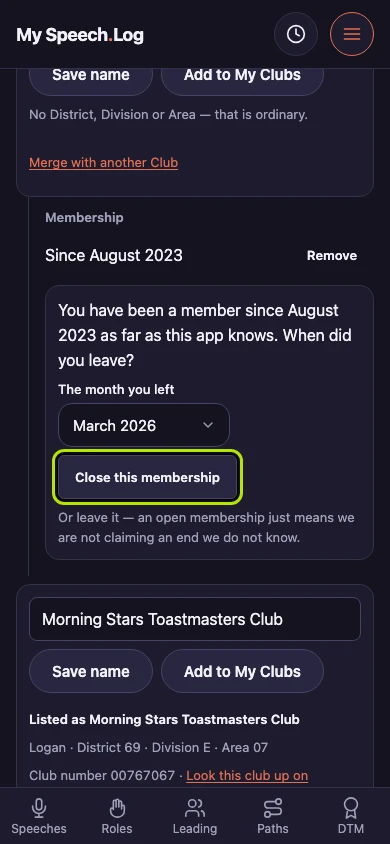
Press Close this membership to give the dates you belonged to the Club an end. They stay in your record either way.
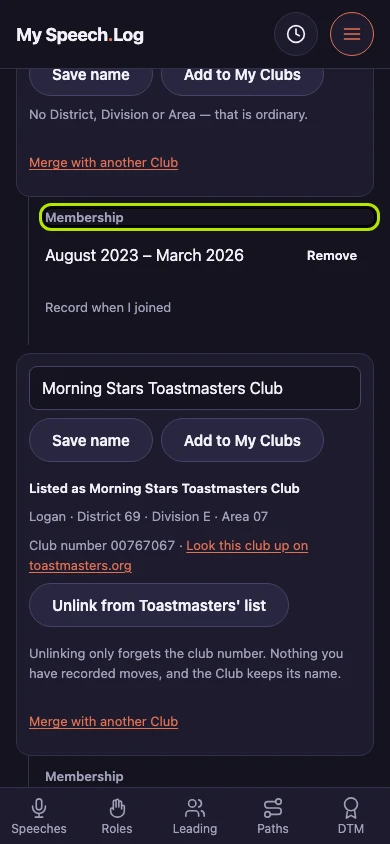
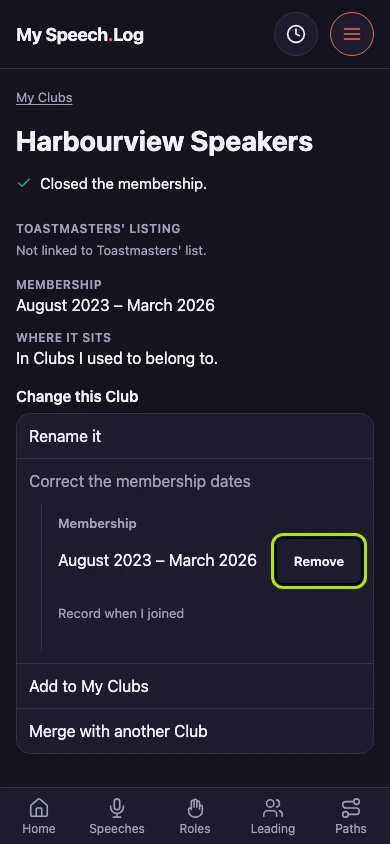
Membership now reads from one month to the other, and the Club says it closed the membership. Everything you recorded at the Club stayed where it was, and the Club is still there to record more at.
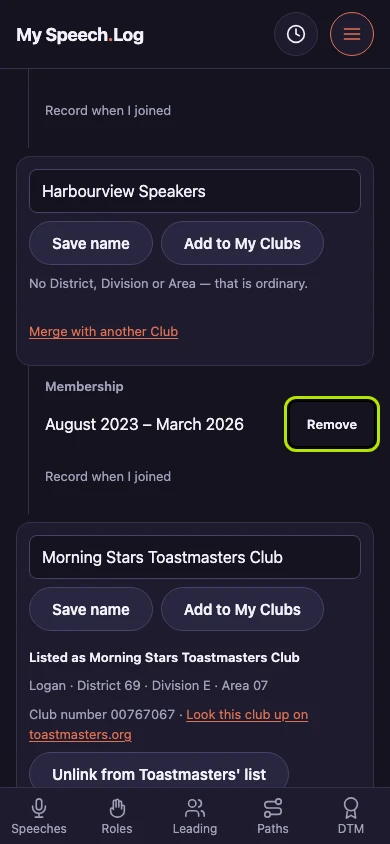
Press Remove under Correct the membership dates to take off dates that are wrong, then Record when I joined to put the right ones back. That is how you correct the dates an import guessed at.