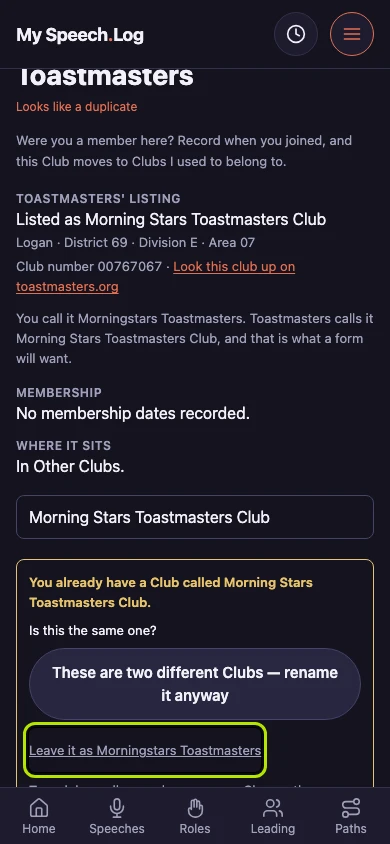
Changing a Club's name
Toastmasters lists a club under the name it chartered with, which is often not the one people there use. Rename it to whatever you call it, and nothing recorded at the Club changes.
6 steps
Press the Club's name on My Clubs to open its own screen. Every change to a Club is made there, one Club at a time.
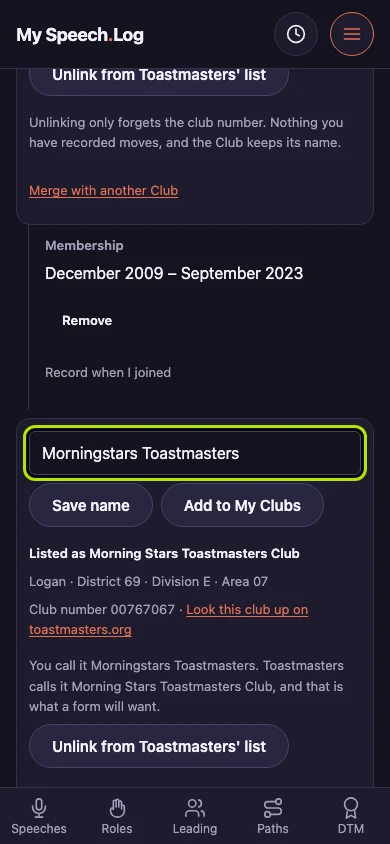
Press Rename it under Change this Club. A box opens with the Club's name in it. The name is yours to choose, and it is the one the app uses everywhere.
Type the name you use for the Club. Toastmasters lists a club under the name it chartered with, which is often not the one people there say.
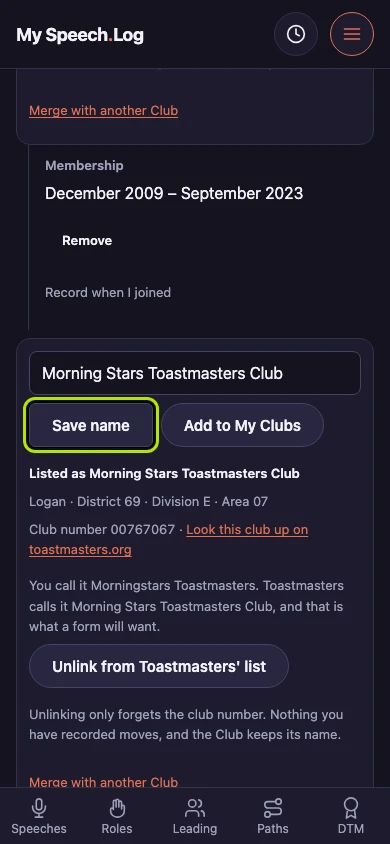
Press Save name to write it. Everything recorded at the Club says the new name and stays attached to the same Club, so renaming is safe.
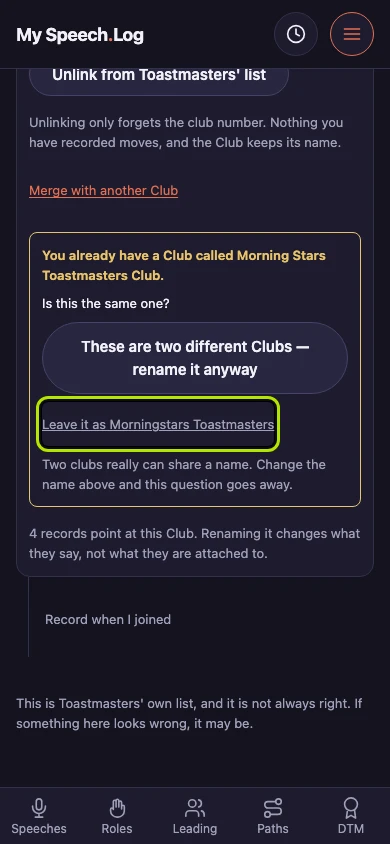
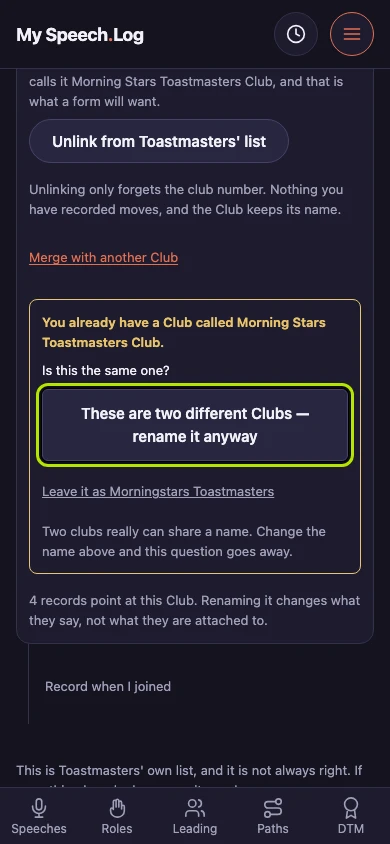
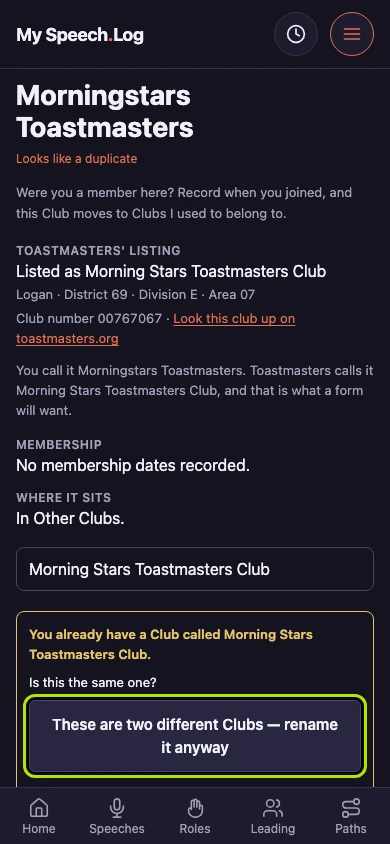
Press rename it anyway to keep both Clubs under the one name. The app asks first because two clubs really can share a name, and then it does as you say.
Press Leave it as the old name to put that name back, and the question goes. Typing a different name in the box ends it too.