Filling a Level's Requirement from what you have logged
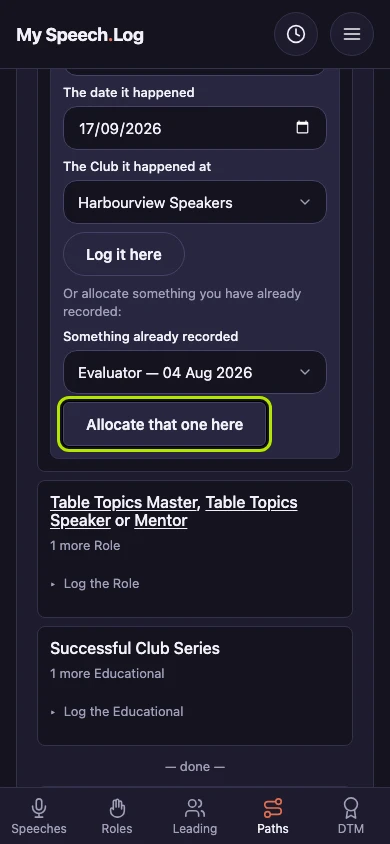
Allocating means saying which Level of a Path something counts toward. Do it from inside the Level when you want to log a speech or a role and have it count in one go.
5 steps
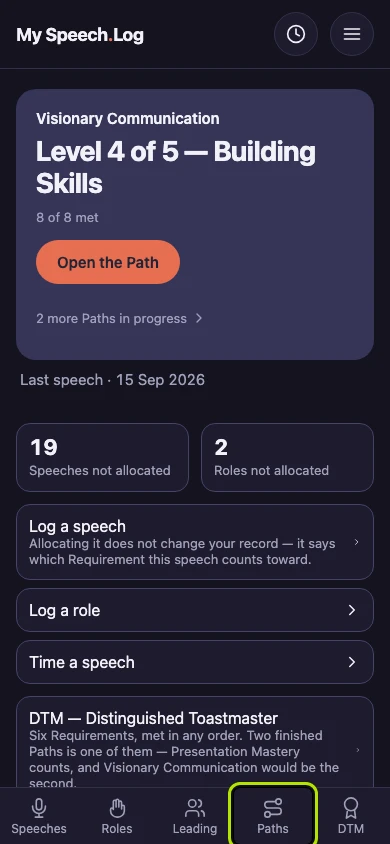
Press Paths to open My Paths.
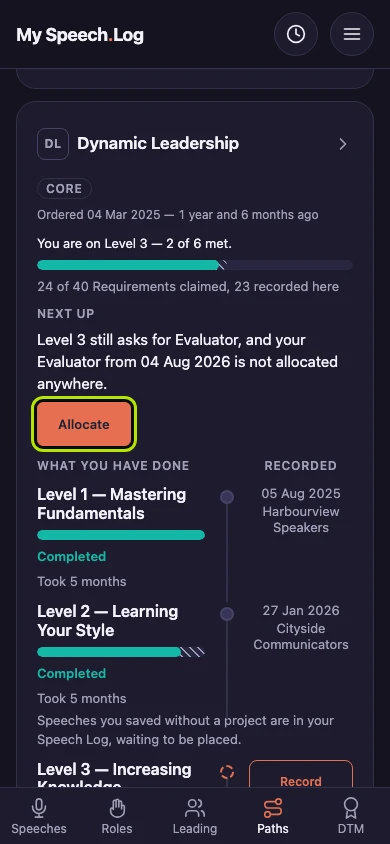
Press Allocate where a Path says you have logged something its Level still asks for. Allocating means saying which Level of a Path this counts toward. You can also open the Path and find the Level yourself.
Choose what you logged under Which of yours fills this?, then press Allocate it here. A Requirement is one of the things the Level asks for, and this list only shows what it can use.
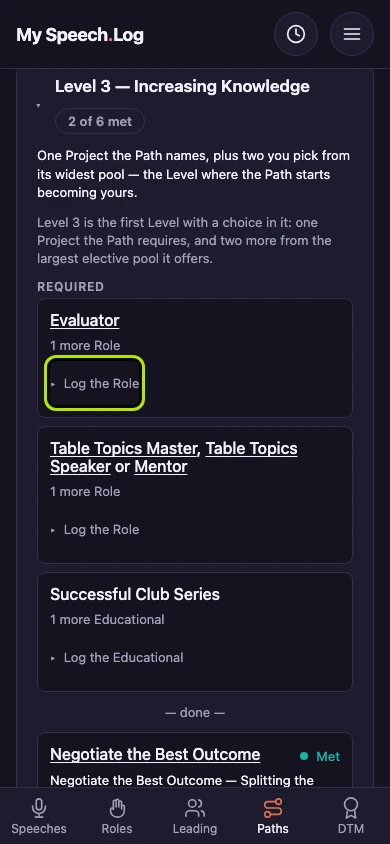
Press Log a new Role instead if you have not logged it yet. It opens a small form under the list — for a speech it says Log a new Speech instead.
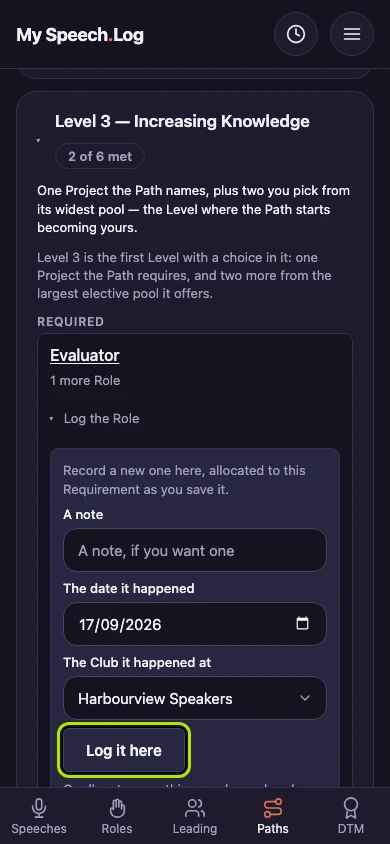
Fill in the date and the Club, and a note if you like. Press Log it here. The Role is logged and allocated to this Requirement at the same time.