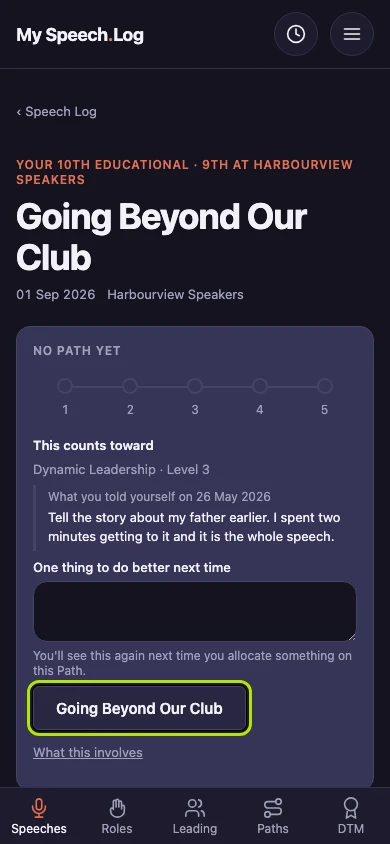
Making an Educational count toward a Level
Allocating an Educational tells the app which Level it counts toward. It is the same act as allocating a speech, on the Levels that ask for an Educational.
5 steps
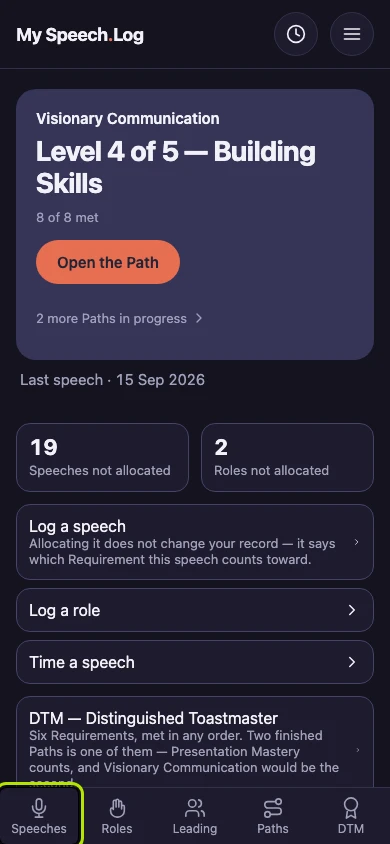
Press Speeches to open your Speech Log.
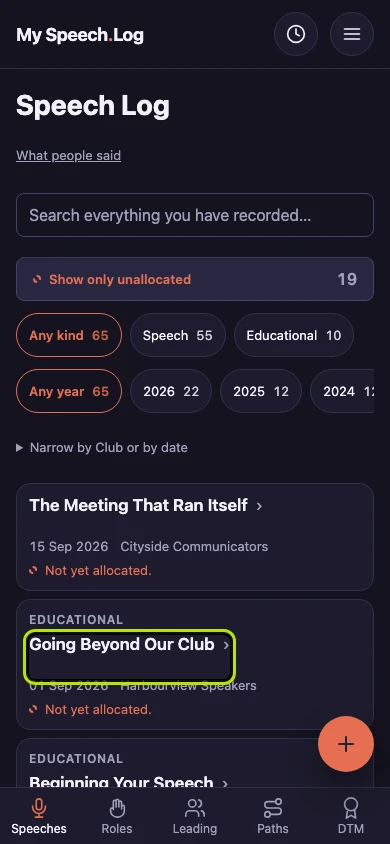
Press the title of the Educational you want to allocate. You allocate it on its own screen, the same way as a speech.
The app already knows which Educational this was, so it only offers the Levels that ask for that one. Here there is just one, so the screen goes straight to it.
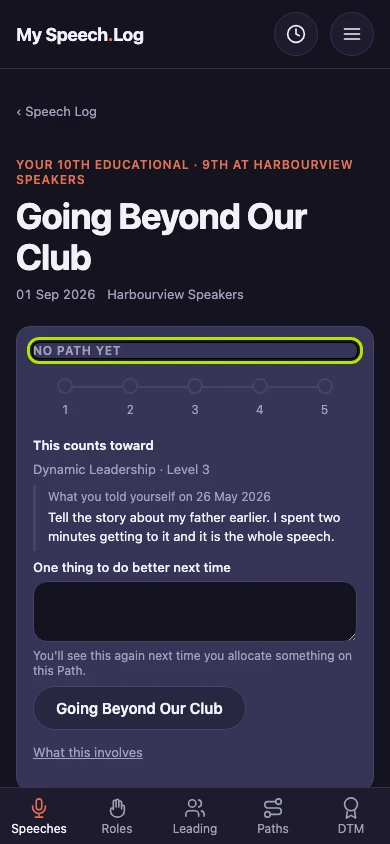
Type a short note to yourself under One thing to do better next time — optional. Your last note on this Path is shown above it.
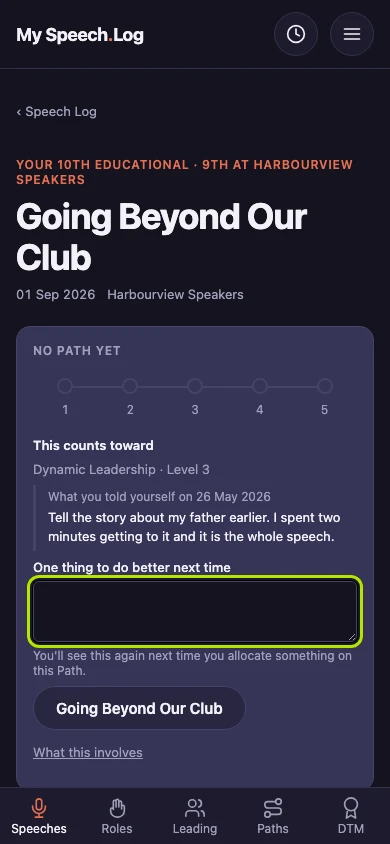
Press Allocate it here to save it. The screen names the Educational this fills on that Level — press its name first if you want to read what it involves.