Making a finished Path count toward a DTM
One of the six Requirements asks for two different Paths you have finished. This is where a Path Completion — your record that you finished the Path — is counted toward it.
5 steps
Complete two different Paths takes Paths you have already finished, and nothing you can record on the spot. It lists the Paths you have going and links to each of them.
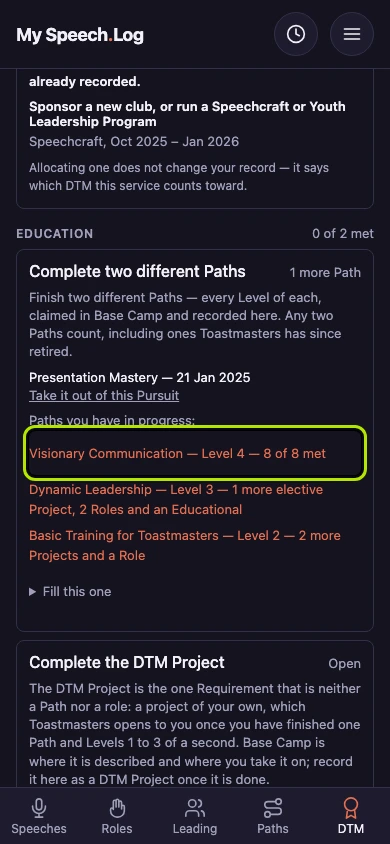
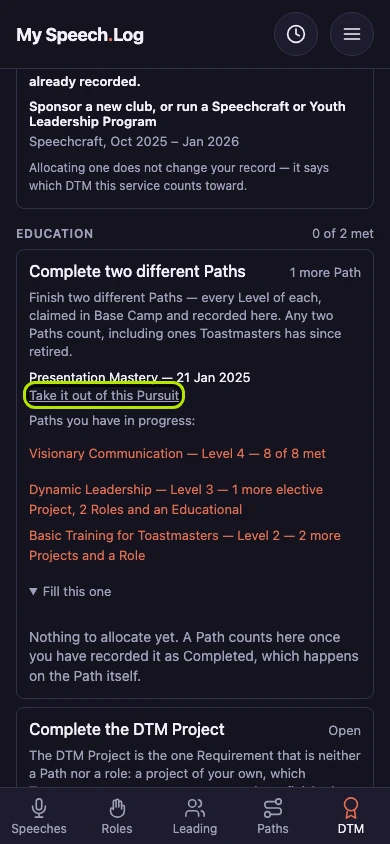
Press Take it off on a Path that is counted somewhere already. Each finished Path counts in one place at a time, so taking it off is what lets you choose it again.
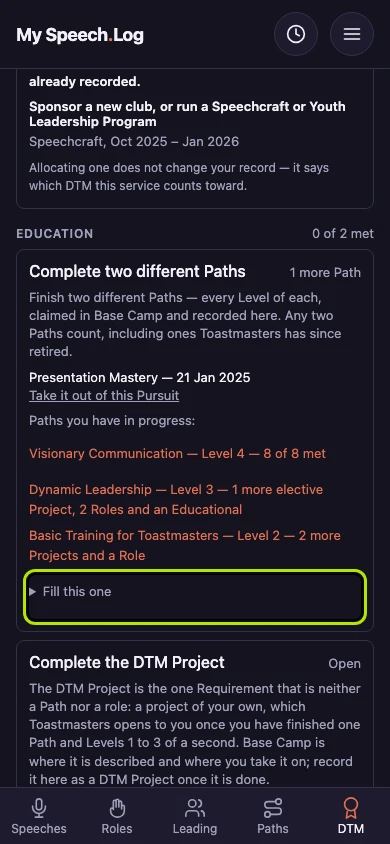
Press the line ending could fill this. Completed means you have recorded that you finished the Path, which you do on the Path itself.
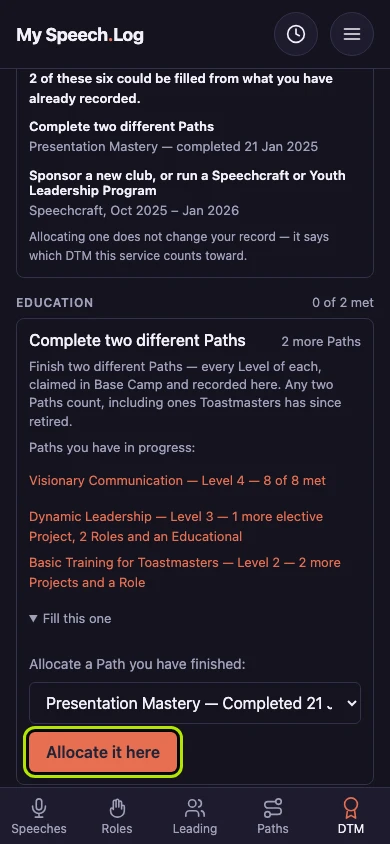
Choose the Path, shown with the date you recorded it Completed, under Which of yours fills this? Every finished Path that counts nowhere else is in this list.
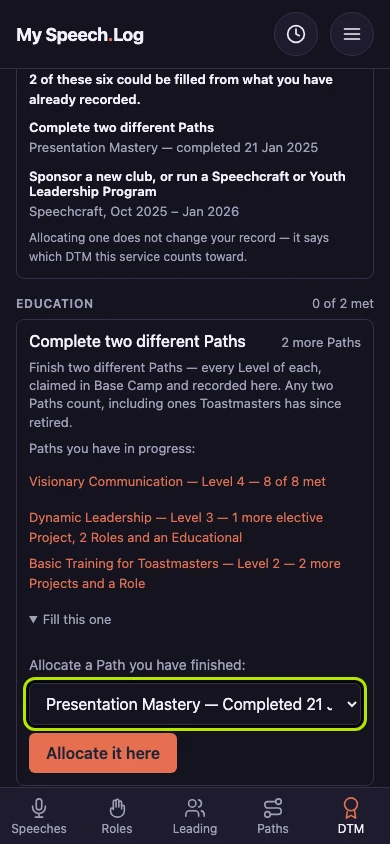
Press Allocate it here to count the Path toward this Requirement — that is what allocating means. It asks for two different Paths, so the second half wants a Path of its own.